


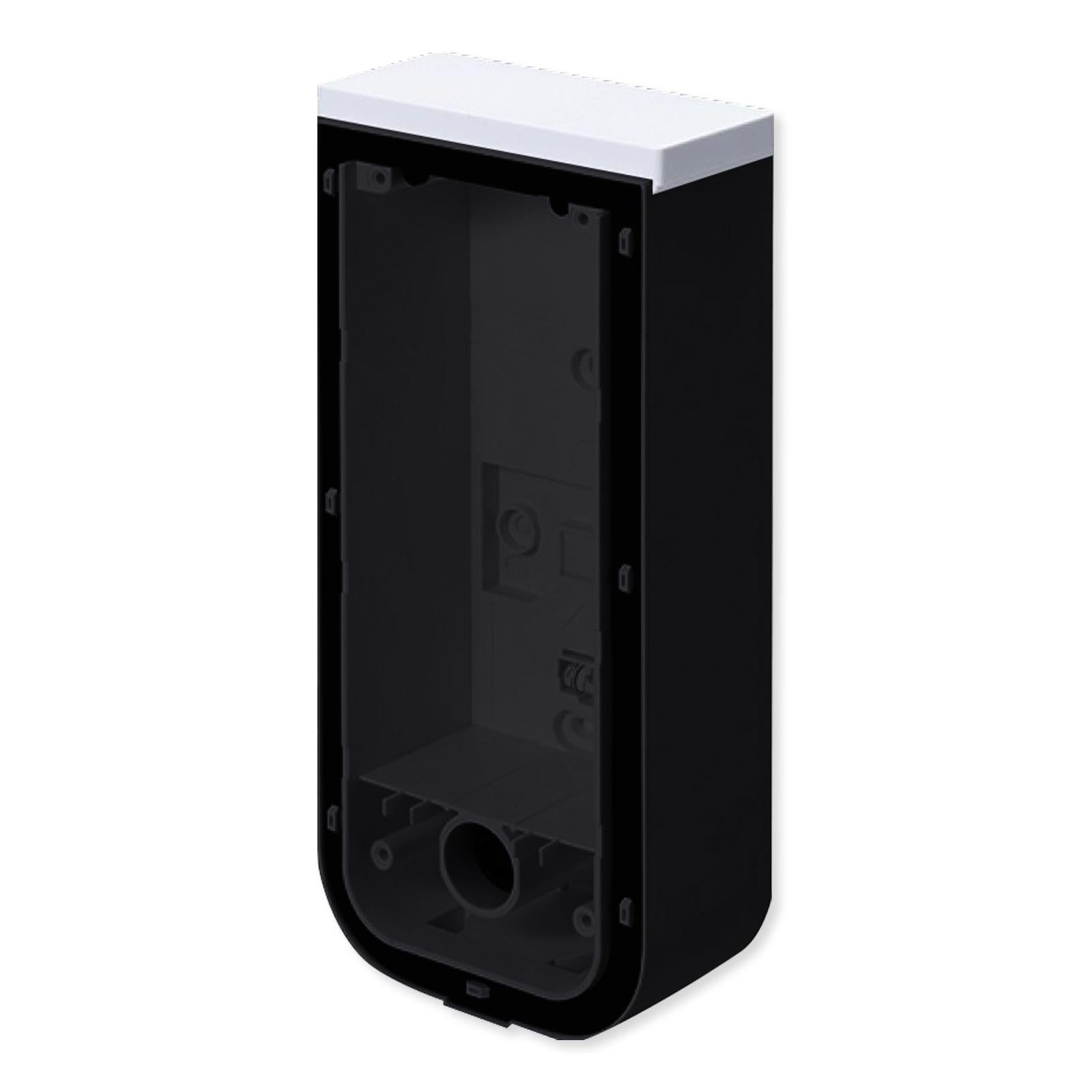


Optex BXS Back Box
Usually ships in 3-5 days.
OPBXSBBBL
$54.95
Install a Secure Mount for Your Optex Device
Install a secure mount for your Optex device with the Optex BXS Back Box! This mount provides a secure install location for BXS series sensors, including wired or wireless models. The back box simplifies and secures installation of your Optex sensor so you won't have to worry about precarious installation.
- Installation box for Optex BXS sensors
- Mounts onto walls, poles, or flat surfaces (pole mount requires additional hardware)
- Houses battery or transmitter for wireless models
The Optex BXS Back Box mounts onto a wall, pole, or flat surface. Before mounting the back box, open the wiring and water drainage knockouts. For wired Optex devices, install the base unit onto the back box and complete wiring and assembly. For battery powered Optex devices, place the battery or transmitter within the back box. Once mounted, install the base unit onto the back box and complete wiring and assembly.
Contents
- Back Box Unit
- Screw Kit
- (2) Velcro Tape
NOTE: Pole mounting requires PMP-01 mounting plate, sold separately.
Optex: The Quality Products People Expect
Optex specializes in passive and active infrared technology, control systems and CCTV products for home and business security. Since its founding in 1979, Optex has established a world-wide reputation for quality, innovation and technical excellence. Their products always represent an investment in performance and long-term satisfaction.