






Leviton Decora Smart No-Neutral Switch
Unavailable: This item is currently out of stock. We are working with our suppliers to bring it back.
LVDN15S1BW
$41.95
Retrofit Remote Lighting Control Into Your Home
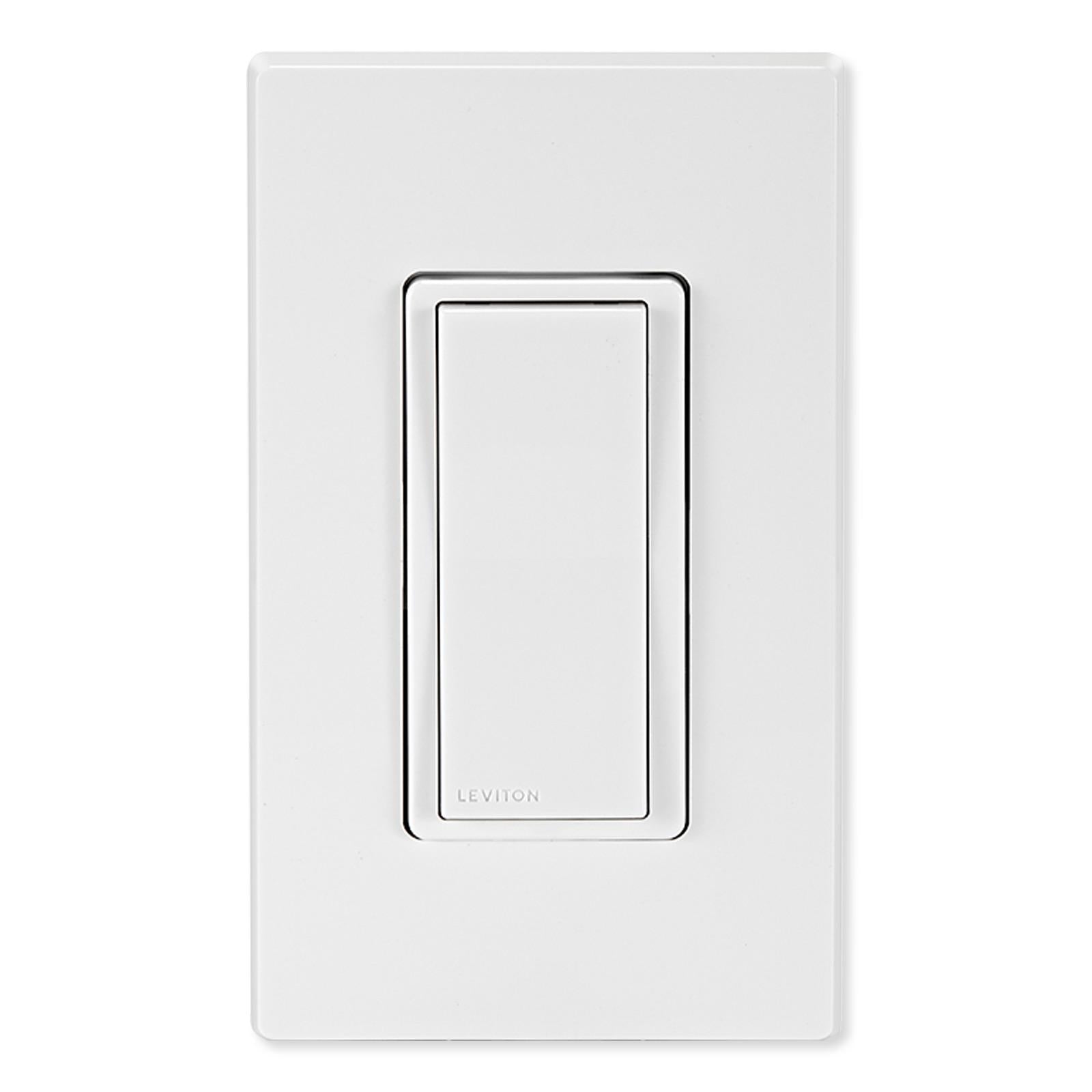
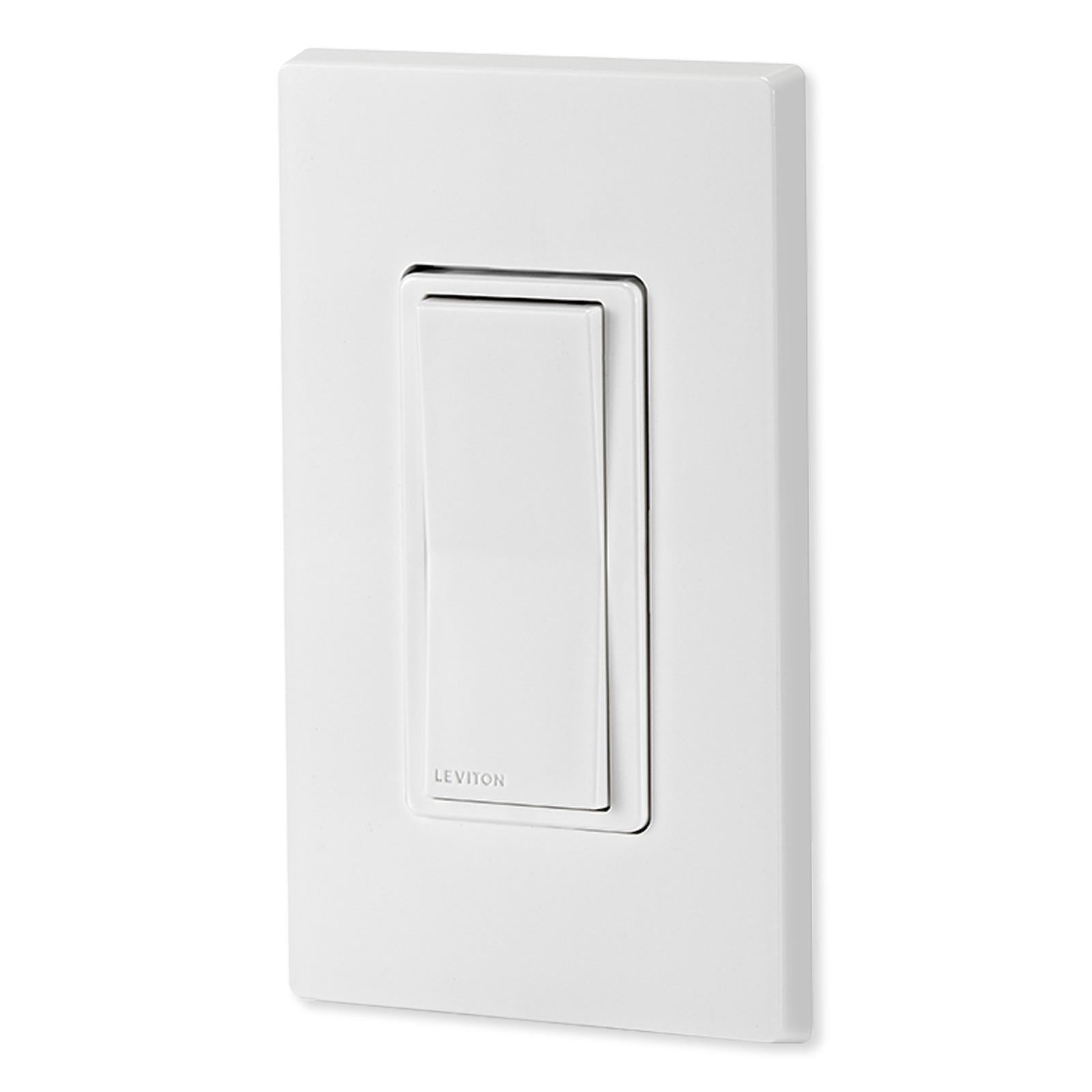
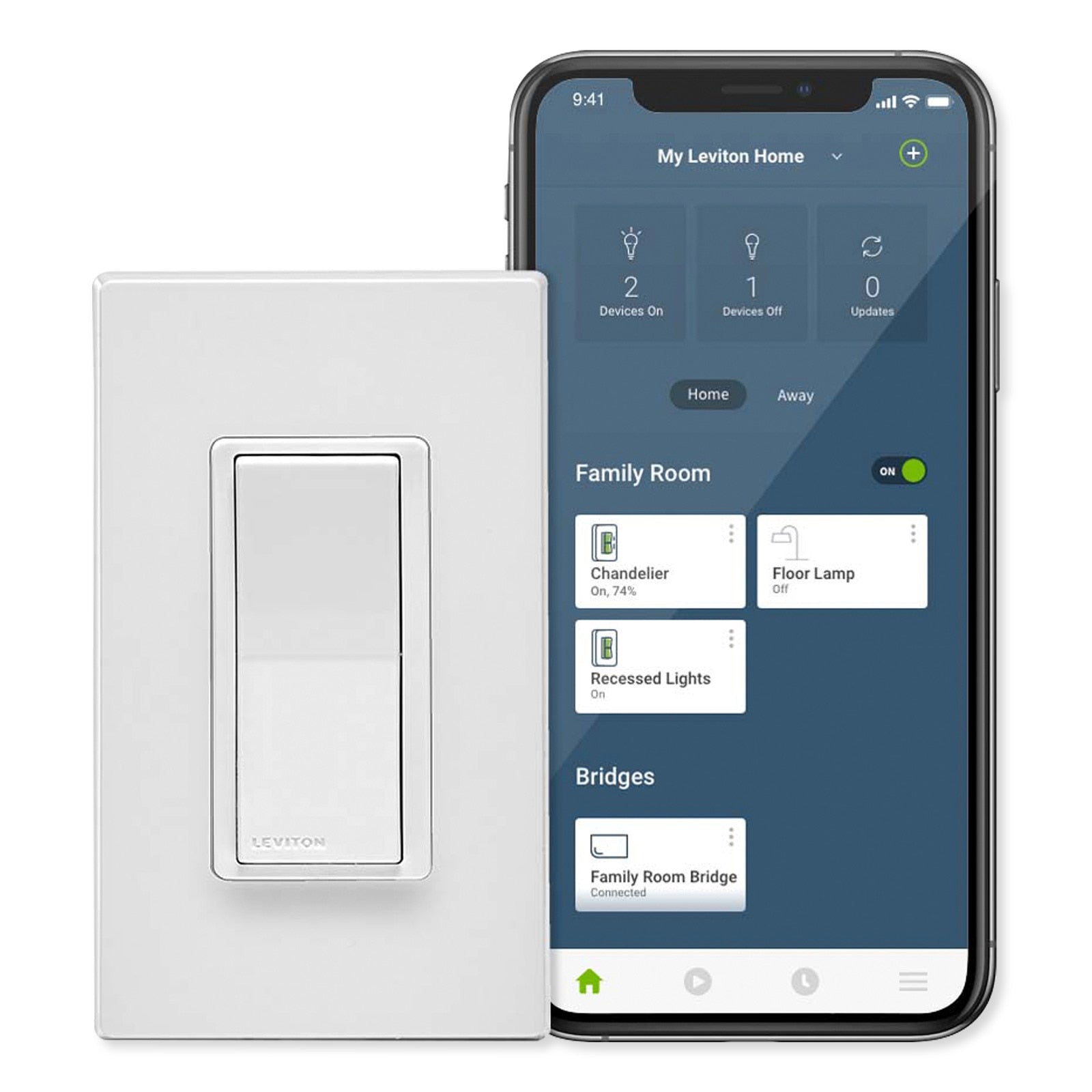
Control dimmable lights and small electrical loads and install the option to easily add smart home control with the Leviton Decora Smart No-Neutral Switch. This retrofit switch replaces existing switches with no neutral wire with a paddle rocker capable of commanding lights and small appliances to turn On/Off. Additionally, the No-Neutral Switch can add remote control and smart home functionality to connected loads by wirelessly pairing with the Decora Smart Wi-Fi Bridge (MLWSB, sold separately). Once paired with a Decora Smart Wi-Fi Bridge, the No-Neutral Switch can be remotely controlled from the My Leviton app, be integrated into multiway applications, and benefit from smart home features such as inclusion in automated zones or scheduled routines.






- Retrofit switch controls lighting and small appliance loads with no neutral wiring
- Supports On/Off control of wired loads up to 15A; supports LED, CFL, Incandescent/Halogen, Magnetic Ballast, and Motor loads
- LEDs on the left side of the switch indicate current and target light levels and vanish after the switch is used
- Compatible with Google Home, Apple HomeKit, IFTTT, and Schlage Encode when connected to a Decora Smart Wi-Fi Bridge
- Voice control with Amazon Alexa, Google Assistant, and Apple Siri when connected to a Decora Smart Wi-Fi Bridge
- Internal memory saves custom settings, lighting schedules, and last used light level, even during a temporary internet outage
- Using the My Leviton app, control up to 99 devices, 50 rooms, 50 activities, and 50 schedules per residence and up to 20 residences per account
- 3-way or Multi-way control with the wireless DAWDC Anywhere Dimmer Companion or DAWSC Anywhere Switch Companion
- Compatible with DDKIT-0S color change kits in White, Ivory, Light Almond, Gray, Black, and Brown
- Engraved buttons available in all 6 color options can be designed and ordered at any time through the My Leviton app (U.S. only)
Decora Smart Wi-Fi 2nd Generation
The Decora Smart Wi-Fi 2nd Generation family of products build upon the features and capabilities of the original Decora Smart Wi-Fi devices, creating a streamlined and more robust smart home experience. 2nd Gen Decora Smart Wi-Fi products are compatible with existing 1st Gen Decora Smart Wi-Fi devices including in-wall dimmers/switches and plug-in modules for appliances and lamps.
Control from Anywhere – Leviton Decora Wi-Fi Bridge required
Control connected loads and lights using the free My Leviton app for iOS and Android, Leviton Decora Wi-Fi Bridge required. Simplify control of the residence – schedule lights and connected loads to turn on/off at specific times or based on sunrise/sunset, easily group smart devices into rooms, and create activities (aka scenes) to command multiple lights at once.
My Lights. My Home. My Family. My Leviton.
Control up to 99 devices, 50 rooms, 50 activities (or scenes), and 5 schedules per residence and up to 20 residences per account.
Adaptable Voice and Remote Control
- Compatible with Apple HomeKit, IFTTT, SmartThings, and Schlage Encode wireless systems
- Compatible with both Amazon Alexa, Google Assistant, and Apple Siri voice control
Installation Details
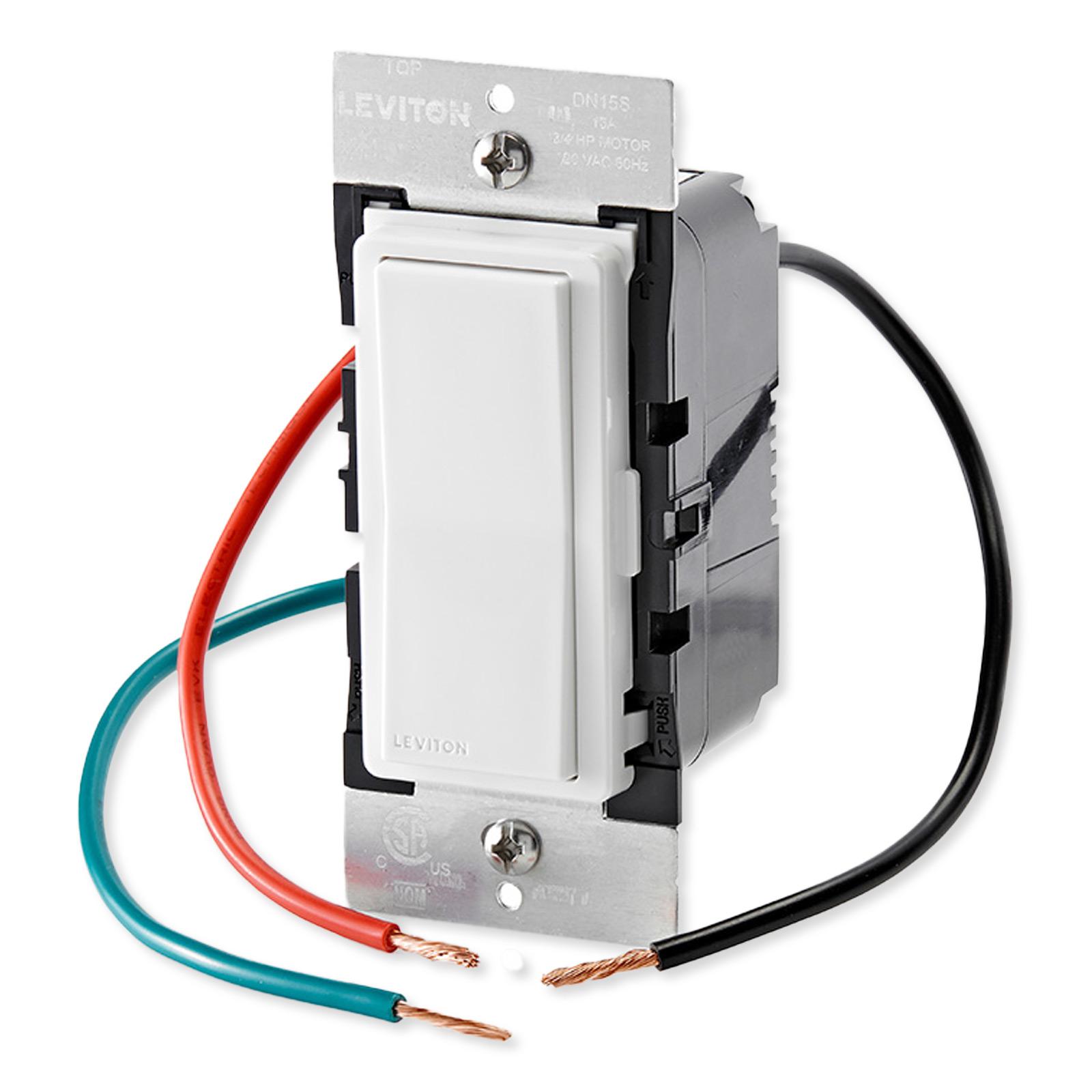
The No-Neutral Switch fits into existing single-gang boxes and connects with Line, Load and Ground terminals. In order to connect to the My Leviton app and utilize remote control or smart home features, a Decora Smart Wi-Fi Bridge (MLWSB) is required.
Contents
- Decora Smart No-Neutral Switch
- Manual
Notes
- A Decora Smart Wi-Fi Bridge is required for remote control and smart home functionality (MLWSB, sold separately).
- Wallplate sold separately.
About Leviton
Leviton is the smart choice, providing the most comprehensive range of solutions to meet the needs of today's residential, commercial and industrial buildings. Leveraging more than a century of experience, Leviton helps customers create sustainable, intelligent environments through its electrical wiring devices, network and data center connectivity solutions, and lighting energy management systems. From switches and receptacles, to daylight harvesting controls, networking systems, and equipment for charging electric vehicles, Leviton solutions help customers achieve savings in energy, time and cost, all while enhancing safety.