


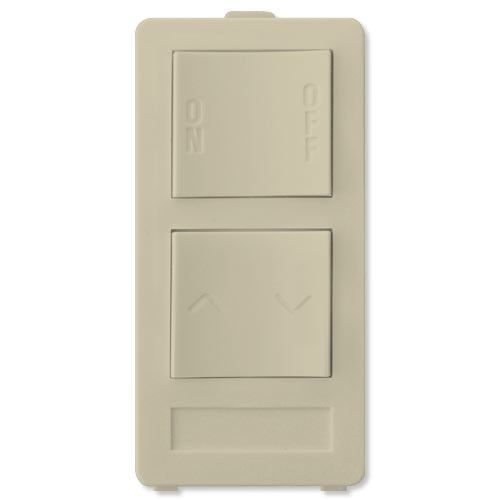

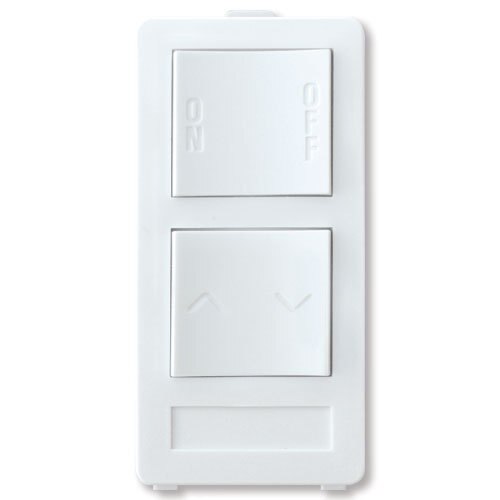

X10 PRO 2-Button Keypad (1-Address/1-Dimmer)
This item is currently out of stock. Please contact us for ordering.
XPXP2DI
$11.95
Two Button Keypad With Dimming
The XP Keypads are designed to operate when attached to an XPT Wall Controller.
XP2D Two Button Keypad (With Dimming): Two rocker buttons used to send a single ON/OFF X-10 PRO command and a BRIGHTEN/DIM for the same command; such as a module with dimming capabilities.
Place the desired Keypad cover onto the XPT Base by inserting the tab on top of the Keypad under the notch on the XPT Base. Gently, but firmly press the bottom of the Keypad into place so that the pins on the back of the Keypad insert into the XPT Base socket.
NOTE: The XPT, with a Keypad, does not switch any loads, it is a transmitter only.
The X10 PRO 2-Button Keypad is an X10 Wired-In Transmitter

A basic X10 system includes a Transmitter and a Receiver – both sold separately. Transmitters are control devices that send X10 signals through your home's electrical wiring to X10 Receivers. When a Receiver receives a command, it responds by turning a light, appliance or other electrical device On or Off, and sometimes Dim or Bright.
Automate Your Home With X10
X10 Pro manufactures home automation products using X10 powerline carrier and wireless technologies. Have complete automated control of lights and appliances from anywhere in your home with X10 Pro.