

No Neutral Wire? The Smart Switches That Work Without One
If you've ever pulled a switch out of the wall to install a smart switch and found only two wires instead of three, you've run into one of the most common — and most frustrating — obstacles in home automation upgrades: no neutral wire.
Why Do Most Smart Switches Need a Neutral Wire?
Most smart switches and dimmers need constant, low-level power to run their internal electronics — the Wi-Fi or Z-Wave radio, the LED status light, the microcontroller — even when the connected light is switched off. To draw that power safely, the switch needs a neutral wire to complete the circuit back to the electrical panel.
The problem: a lot of homes, especially those built before the mid-1980s to 1990s (depending on local code), were wired with what's called "3-wire" or "switch-loop" wiring. Only a hot wire and a switched load wire were run to the switch box — no neutral. This was completely standard and code-compliant for traditional switches, which don't need a neutral to work. It only becomes an issue when you try to add a smart switch that does.
How to Check for a Neutral Wire
If you're not sure whether your switch box has a neutral, the way to check is simple:
- Turn off the breaker for that circuit and confirm the switch is de-energized.
- Remove the switch plate and unscrew the switch from the box.
- Look for a bundle of white wires, typically wire-nutted together and tucked to the back or side of the box — not connected to the switch itself.
If you don't see any white wires at all — or the only white wire runs directly to the switch — you likely don't have a neutral at that switch location.
Your Options if You Don't Have a Neutral Wire
You have two paths: run new wiring to bring a neutral to the switch box (often impractical without opening walls), or install a switch specifically engineered to work without one. No-neutral smart switches use alternate methods — drawing a small trickle of power through the load itself, or in some cases operating completely wirelessly with no line power draw at all — to get smart functionality without rewiring your home.
Budget-Friendly RF Option: SkylinkHome


The SkylinkHome Dimmer Wall Switch with Snap-On Remote and its on/off counterpart, the SkylinkHome Wall Switch with Snap-On Remote, are both designed to install without a neutral wire connection. Each comes with a snap-on wireless remote for local or remote control, and both are an easy, affordable retrofit for older switch boxes — no hub or app required to get basic wireless control.
Wi-Fi Smart Control: Leviton Decora Smart No-Neutral Line


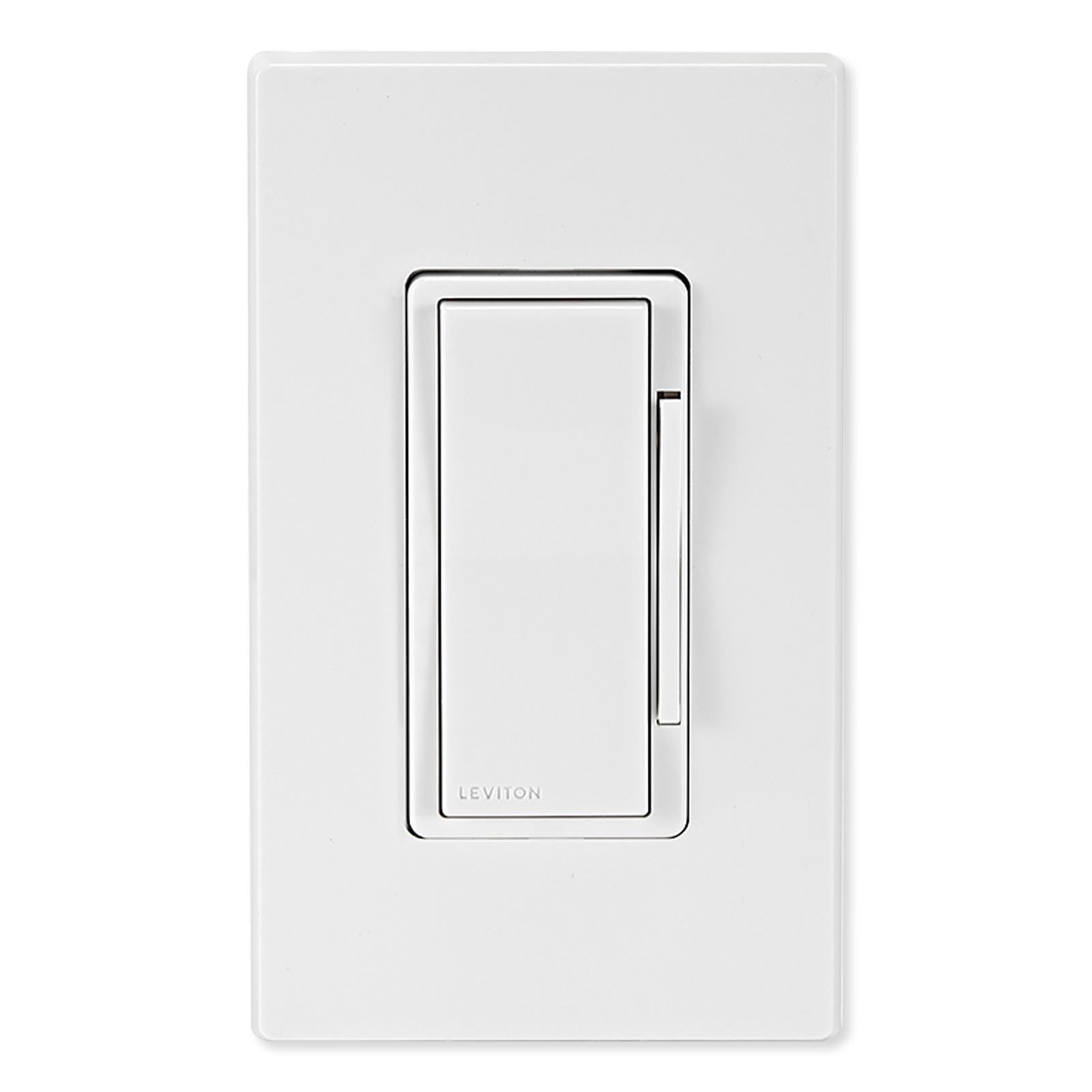
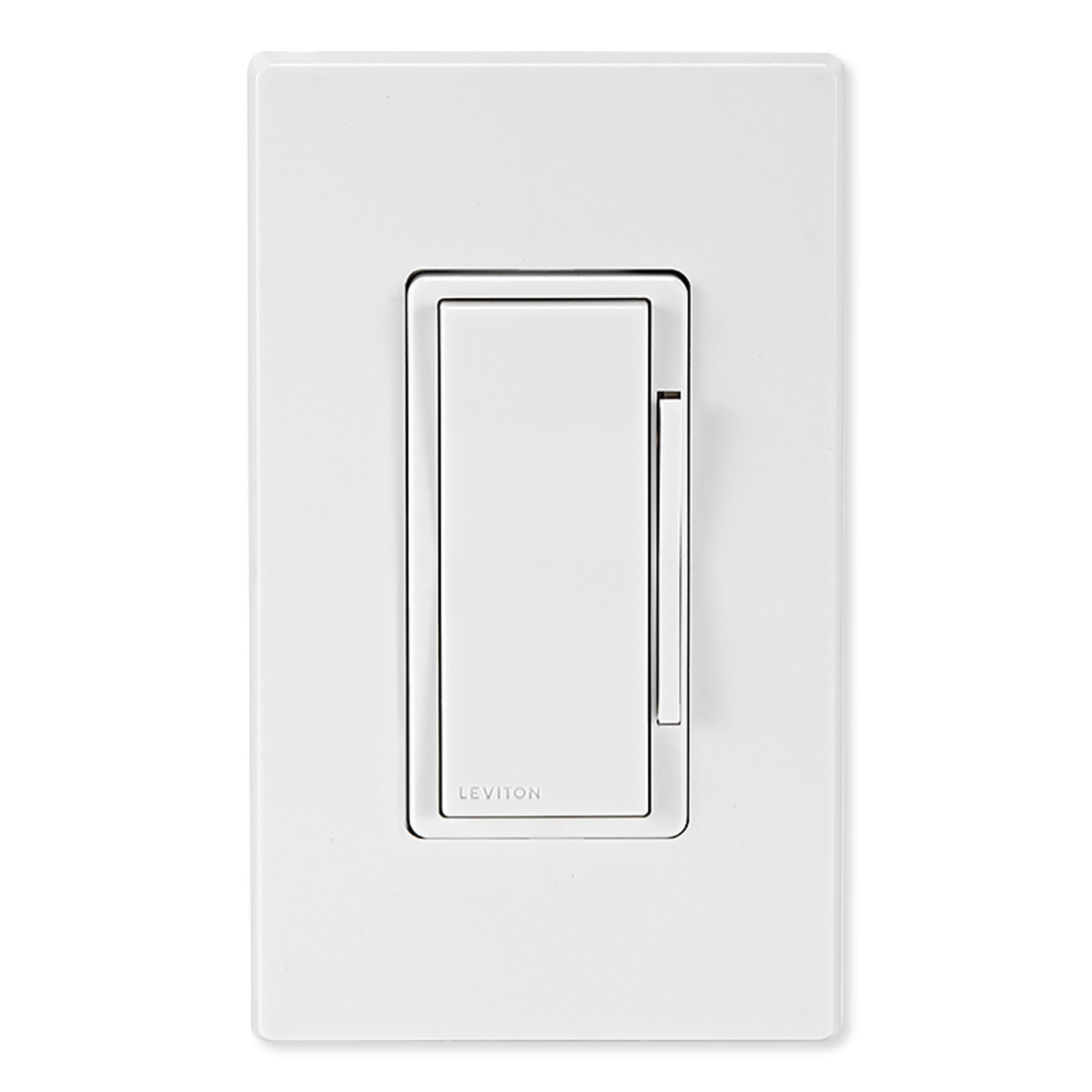
If you want full smart home integration — app control, scheduling, voice assistant compatibility — Leviton's Decora Smart No-Neutral line is purpose-built for this exact wiring situation. The Leviton Decora Smart No-Neutral Dimmer and Leviton Decora Smart No-Neutral Switch both install cleanly in switch boxes without a neutral wire, and both pair wirelessly with the Leviton Decora Smart Wi-Fi Bridge (sold separately, one bridge supports multiple switches) to unlock full My Leviton app control, remote access, and automated scheduling.
Zero-Wiring Option: Leviton LevNet EnOcean

For situations where even running a switched load wire is difficult, the Leviton LevNet EnOcean Wireless Wall Switch Receiver takes a different approach entirely: it's part of a self-powered, battery-free wireless system that requires no additional wiring at all beyond what's already in the box. It's a higher price point, but it's the right tool for retrofit projects where wiring access is limited.
Pro tip: The LevNet EnOcean Receiver can be paired with the Leviton LevNet EnOcean Wireless Occupancy Sensor (LVWSC04IRW) for fully automatic, hands-free control. The sensor is solar-powered and battery-optional, so it fits the same zero-wiring, zero-maintenance approach — lights turn on when someone enters the room and off when it's empty, with no switch or wiring changes needed at all.
Quick Reference
| Product | Type | Smart Features |
|---|---|---|
| SkylinkHome Dimmer (SKWR318) | Dimmer, RF remote | Local + remote control, no hub needed |
| SkylinkHome On/Off Switch (SKWE318) | On/Off, RF remote | Local + remote control, no hub needed |
| Leviton Decora Smart No-Neutral Dimmer (LVDN6HD1BW) | Dimmer, Wi-Fi | App control, scheduling, voice assistant (with Wi-Fi Bridge) |
| Leviton Decora Smart No-Neutral Switch (LVDN15S1BW) | On/Off, Wi-Fi | App control, scheduling, voice assistant (with Wi-Fi Bridge) |
| Leviton LevNet EnOcean Receiver (LVWSS10GUZ) | On/Off, self-powered wireless | Works with EnOcean wireless controls, zero wiring; pairs with LVWSC04IRW occupancy sensor for automatic control |
Not sure which option is right for your project? Call our tech support team — we've been helping customers navigate exactly this kind of wiring challenge for over 35 years, and we're happy to help you pick the right switch before you buy.
Leave a comment
Comments will be approved before showing up.