


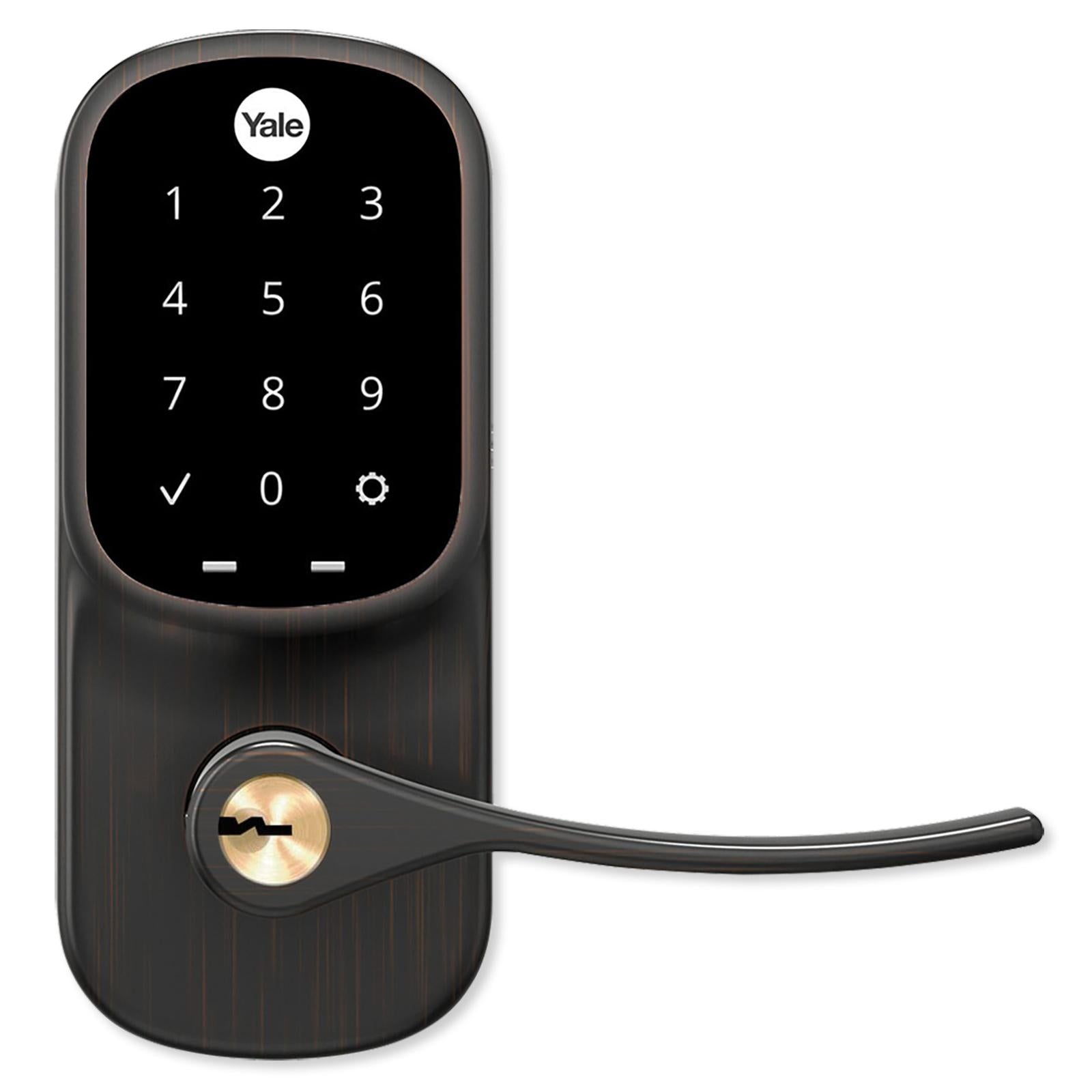

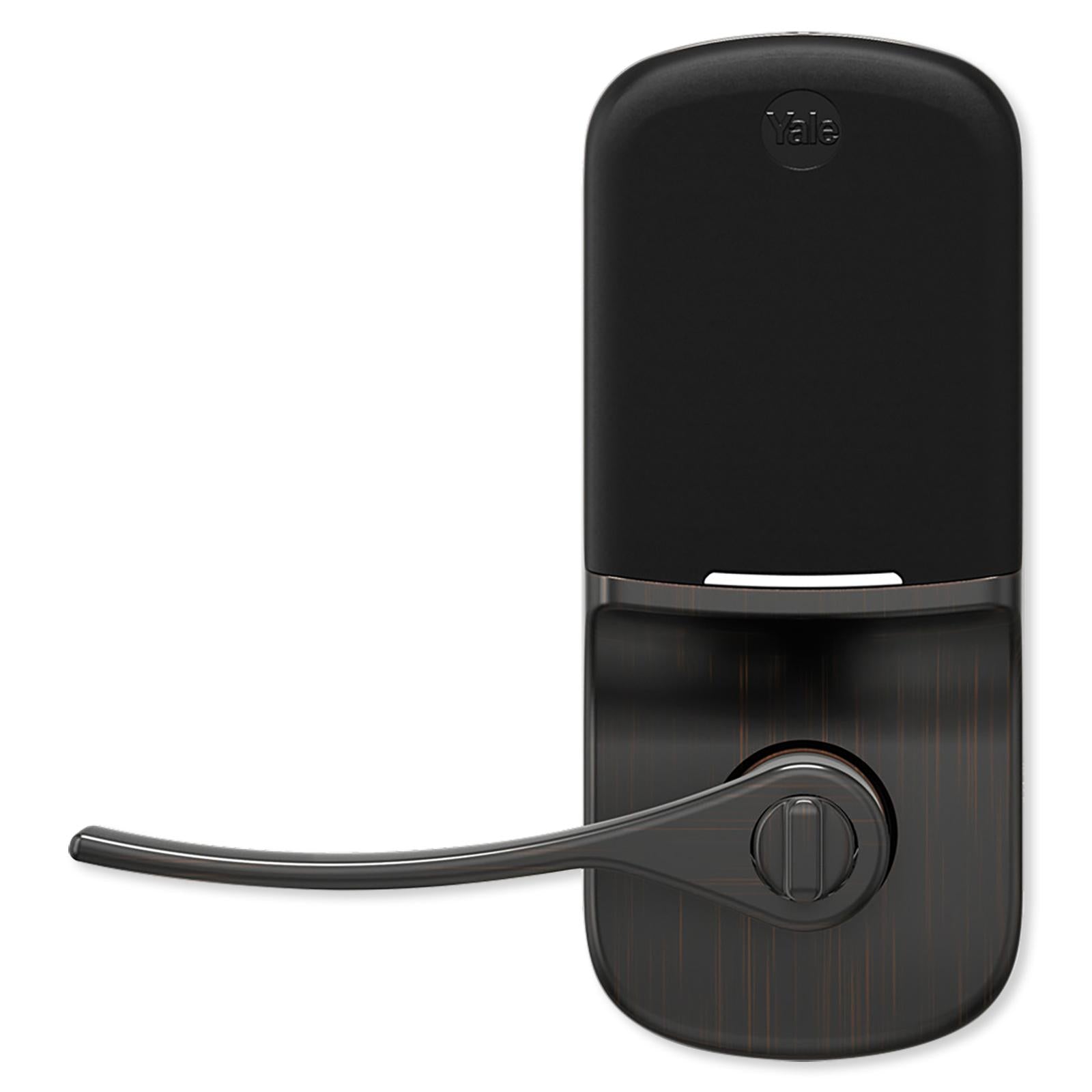

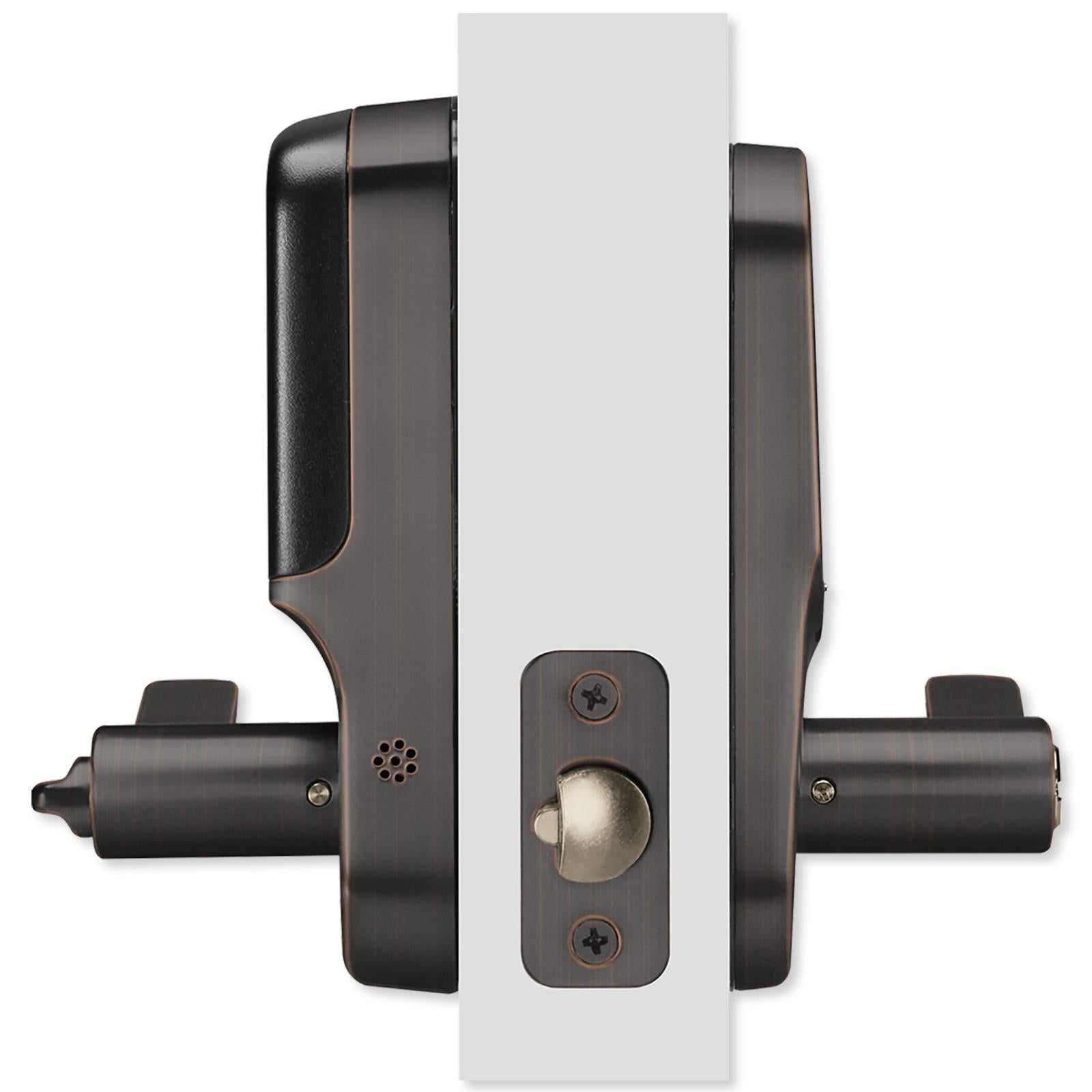

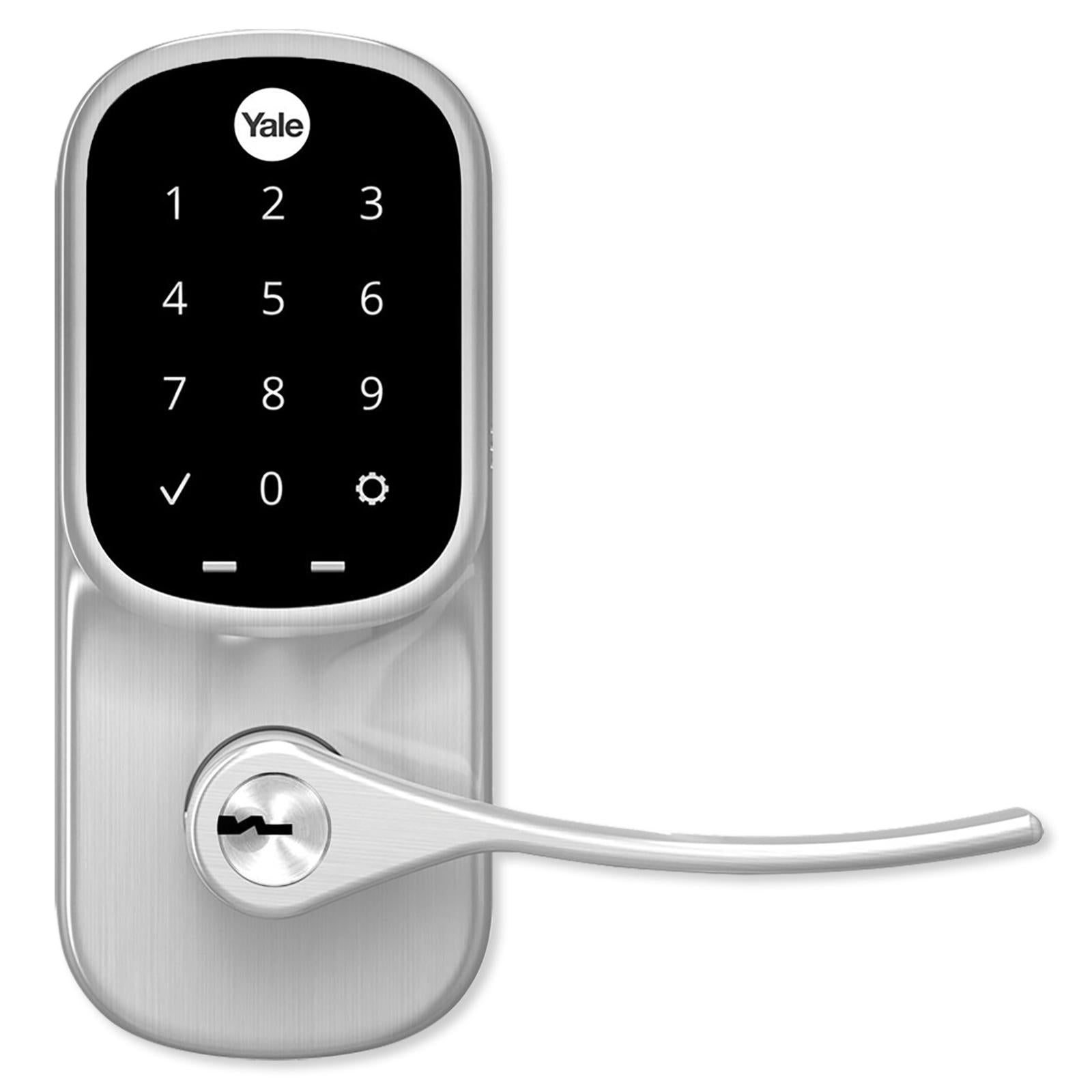






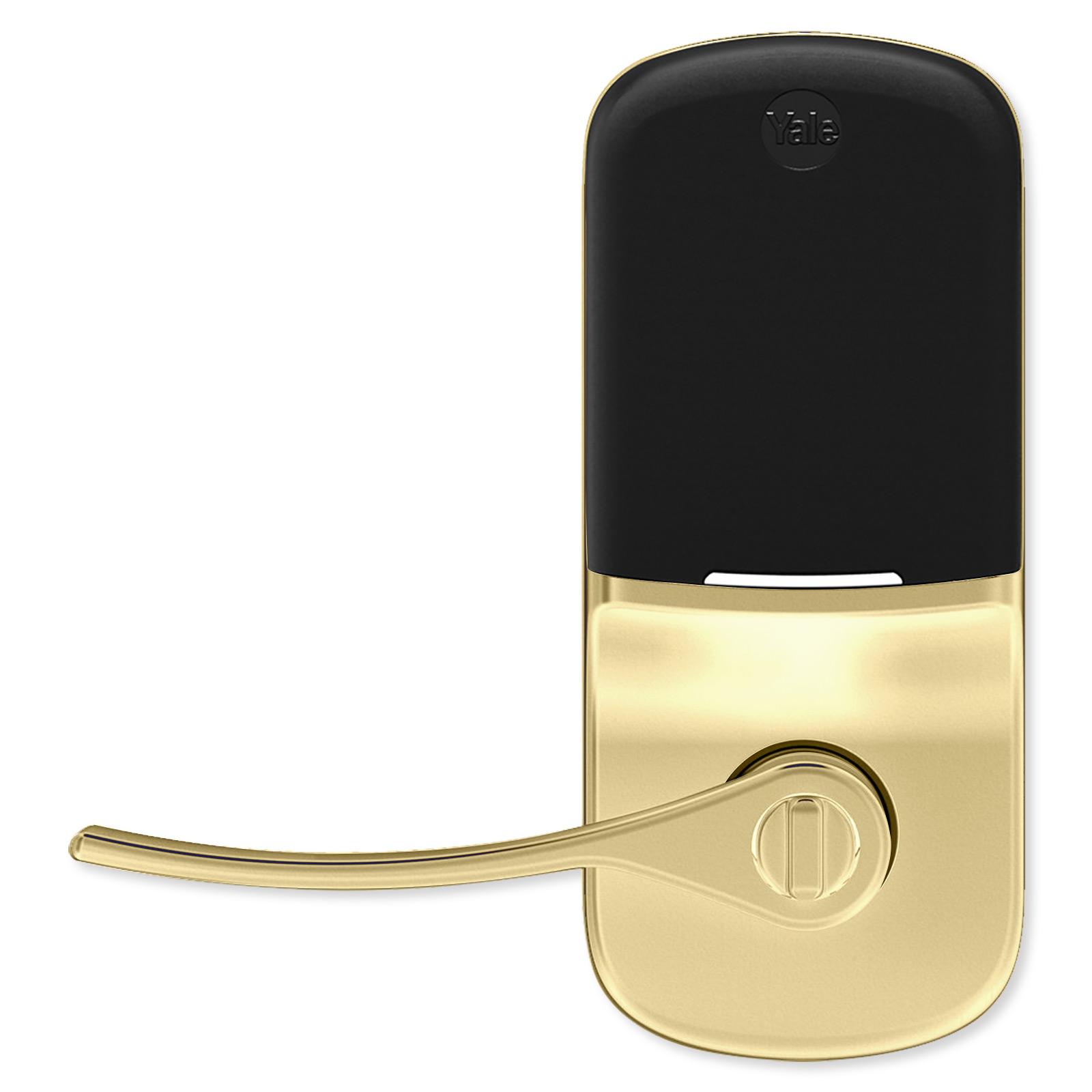


Yale Wi-Fi Assure Touchscreen Keypad Lever Lock
Ships today if ordered by 3:00 pm pacific time
YAYRL226CBA0BP
$371.95
Touchscreen Lever Lock Connected by Yale Access App
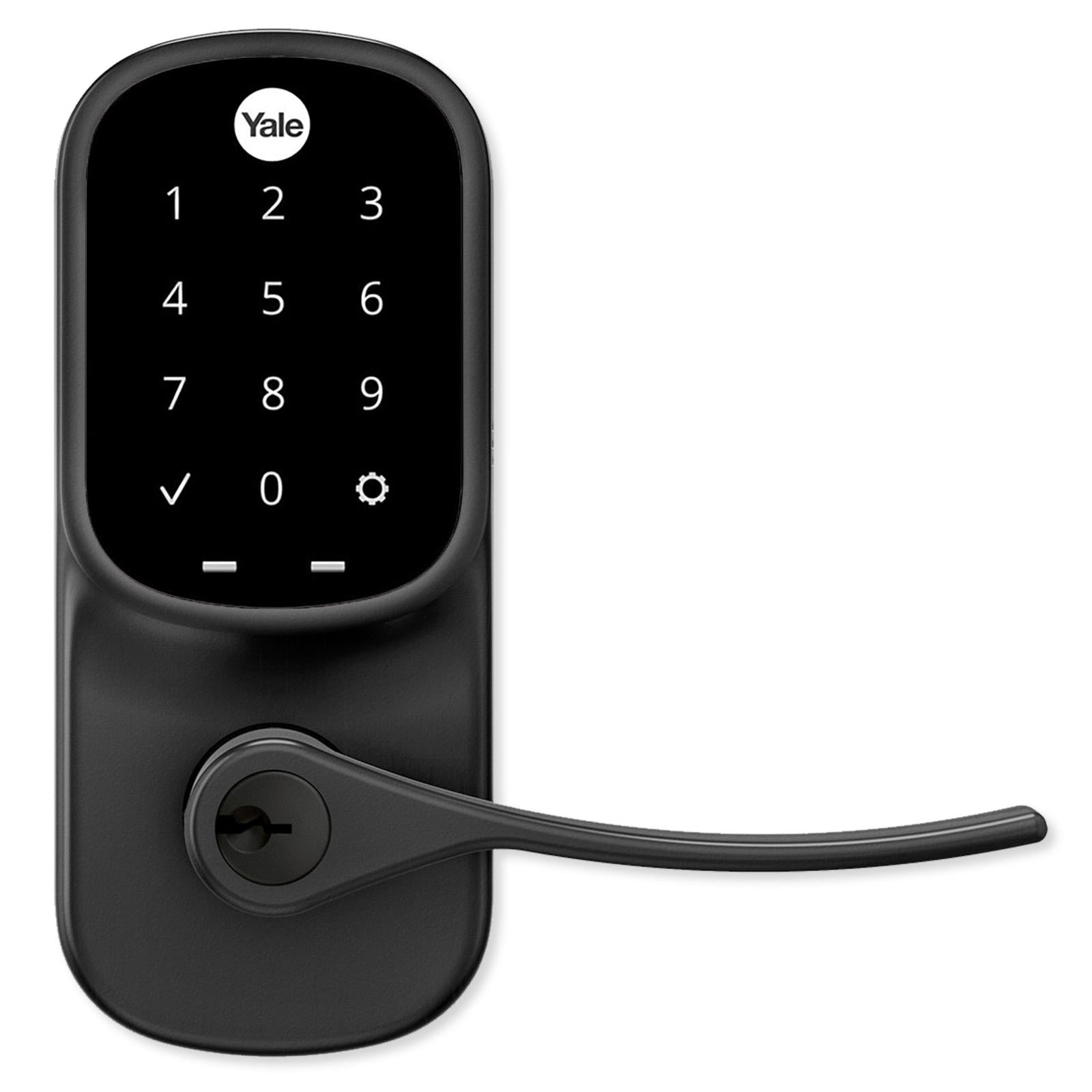
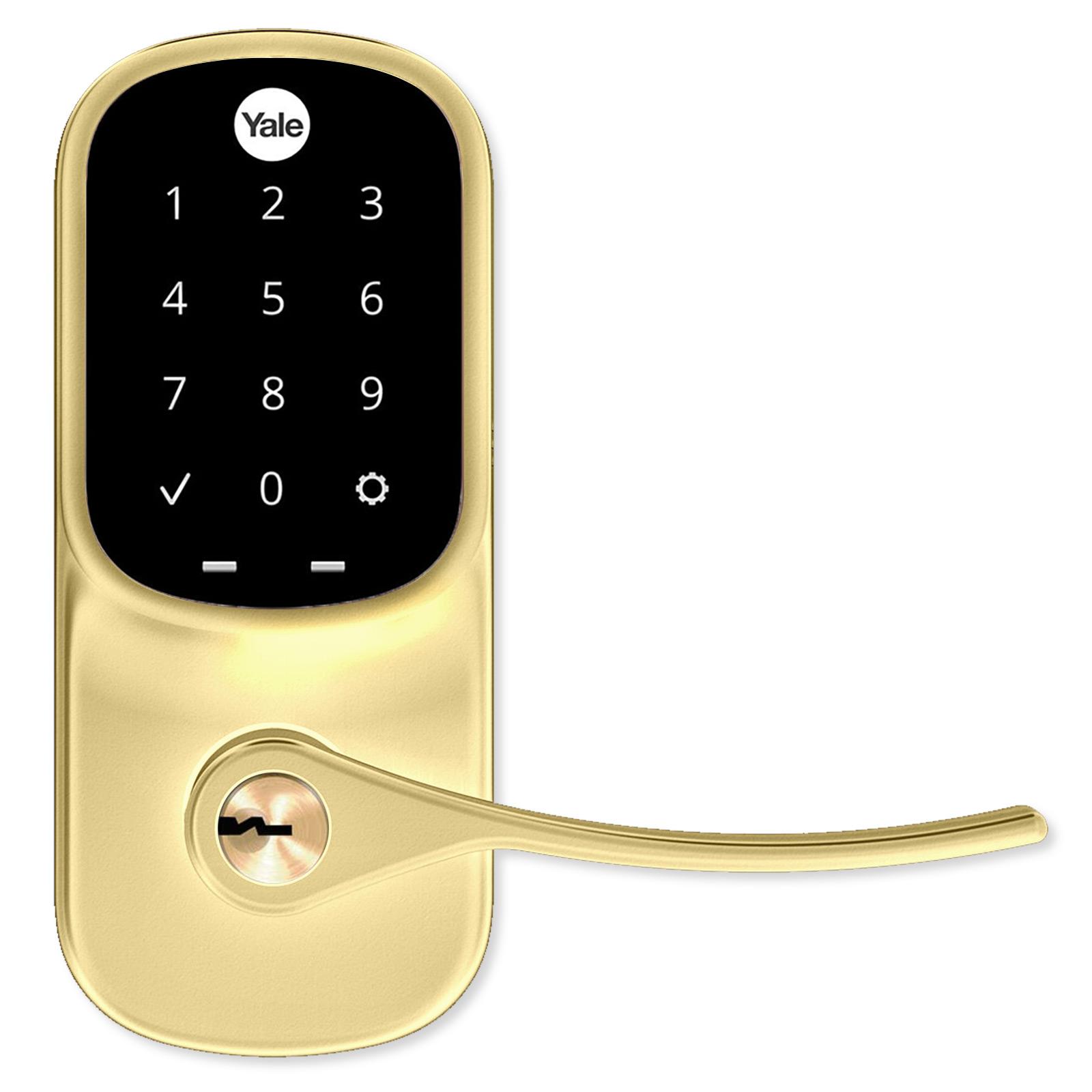
Easily secure your front door with or without a key by replacing your lockset with the Yale Wi-Fi Assure Touchscreen Keypad Lever Lock. This electronic, motorized lever lock provides a touchscreen, tamper-resistant keypad that locks/unlocks the door when a valid code is entered. The lever lock also has a traditional keyhole for manual turnkey operation. Plus, it comes with the Connect Wi-Fi Bridge and Yale Smart Module. You'll be able to lock or unlock your door remotely, share access, and see who comes and goes using the Yale Access App (iOS and Android).





- Keyed Touchscreen lever keypad with backlit acrylic keypad
- Lock/unlock via Yale Access mobile app, numbered access code, or turnkey
- Give unique codes to friends and family
- Remove individual codes whenever you need to
- Easy to install, battery-powered, no wiring required
- Weather-resistant keypad numbers won't wear off
- ANSI/BHMA Grade 2 for strong, reliable security
Unlock with Yale Access Mobile App
The Yale Access mobile app transforms your smartphone into a key, allowing you to unlock your door as you approach it just by having your phone in your pocket. You'll also be able to program your door to lock automatically when someone closes the door (after a set period of time).
The Yale Access mobile app lets you check your lock's status any time and it will send you alerts whenever the status of your smart lock changes. If your door isn't securely closed and locked, the included DoorSense Sensor will let you know through the app. The small, discreet magnetic DoorSense Sensor surface-mounts onto your door frame, or flush-mounts into it. This allows it to detect whether or not the Smart Lock is near.
Traditional Operation Ensures Backup Access
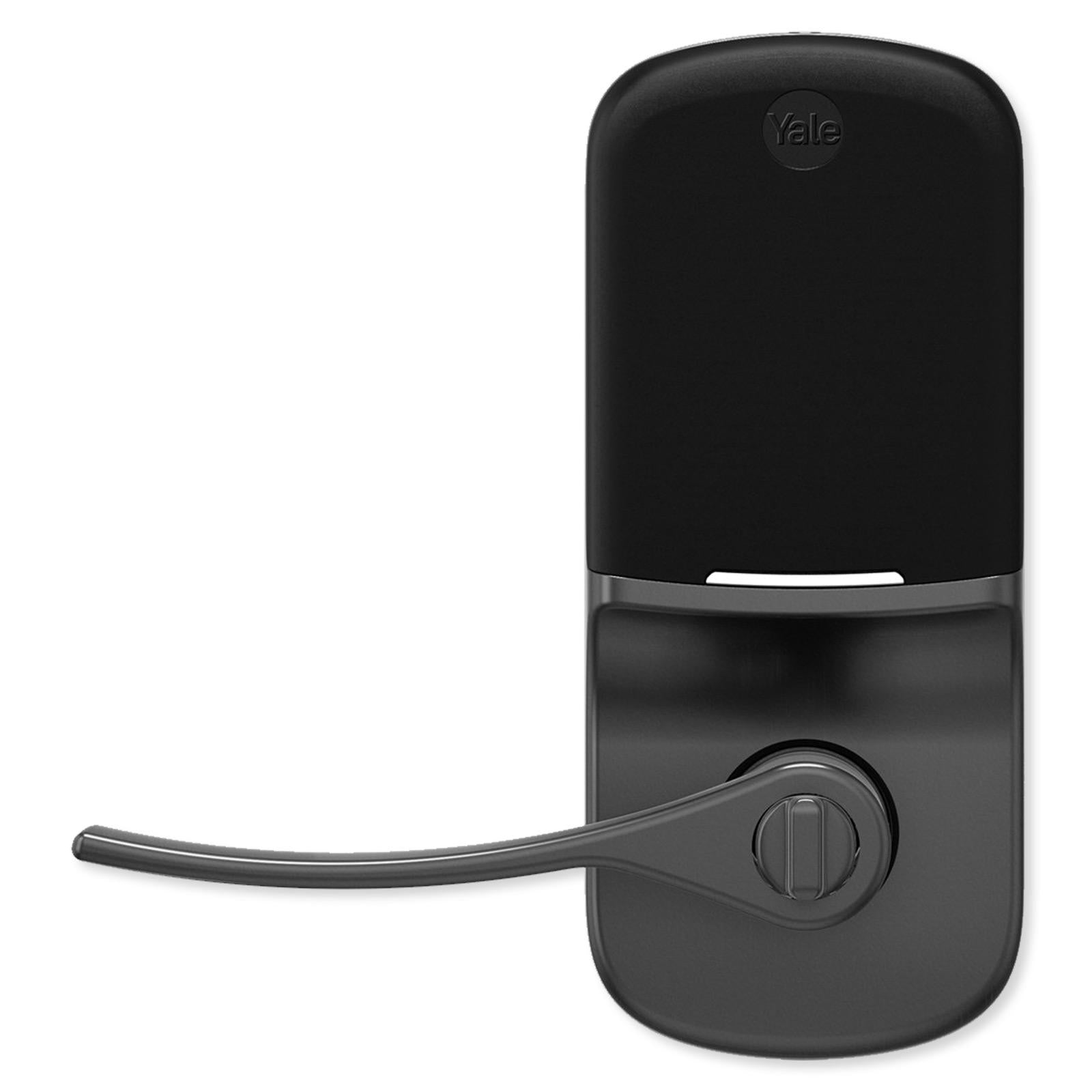
Besides using the Yale Access mobile app, you can lock/unlock the door in other ways. Simply input your 4-8 digit code into the keypad, use a traditional turnkey (two included), or turn the indoor thumbturn.
Open Doors with Autoslide AutoSwing After Unlocking
Through the Yale Access app, this Yale Smart Lock is designed to work in conjunction with Autoslide's AutoSwing Automatic Door Operator, allowing users to easily unlock and enter or exit and secure their homes. Once the Yale Lock and Autoslide AutoSwing are connected to your Internet network and paired together, the AutoSwing will automatically open the door when the Yale lock is unlocked to enable hands free operation of your front door. You can control both devices from either the Yale Access app or Autoslide app from anywhere, plus share access with others, and check on device status and usage history.
Installation Details
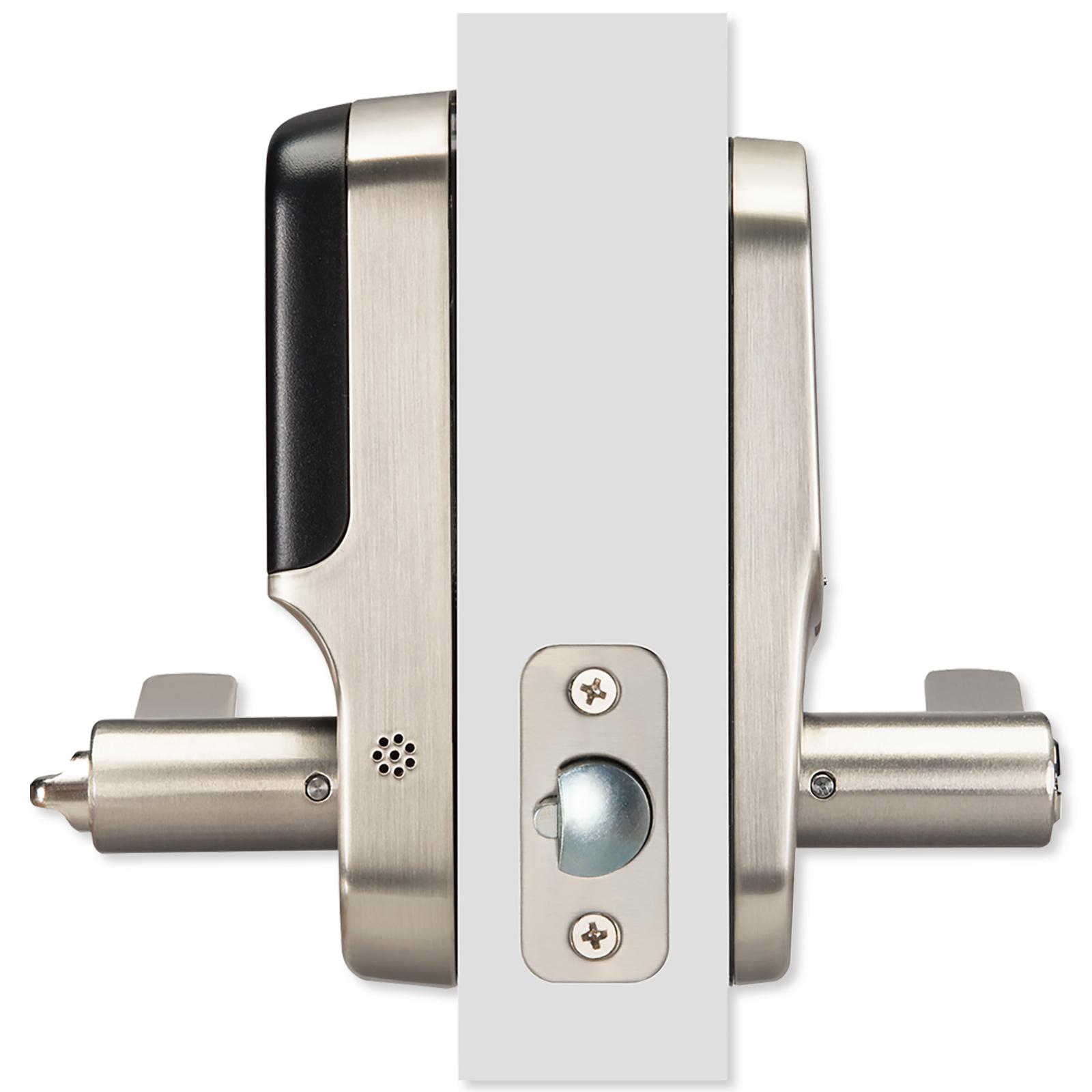
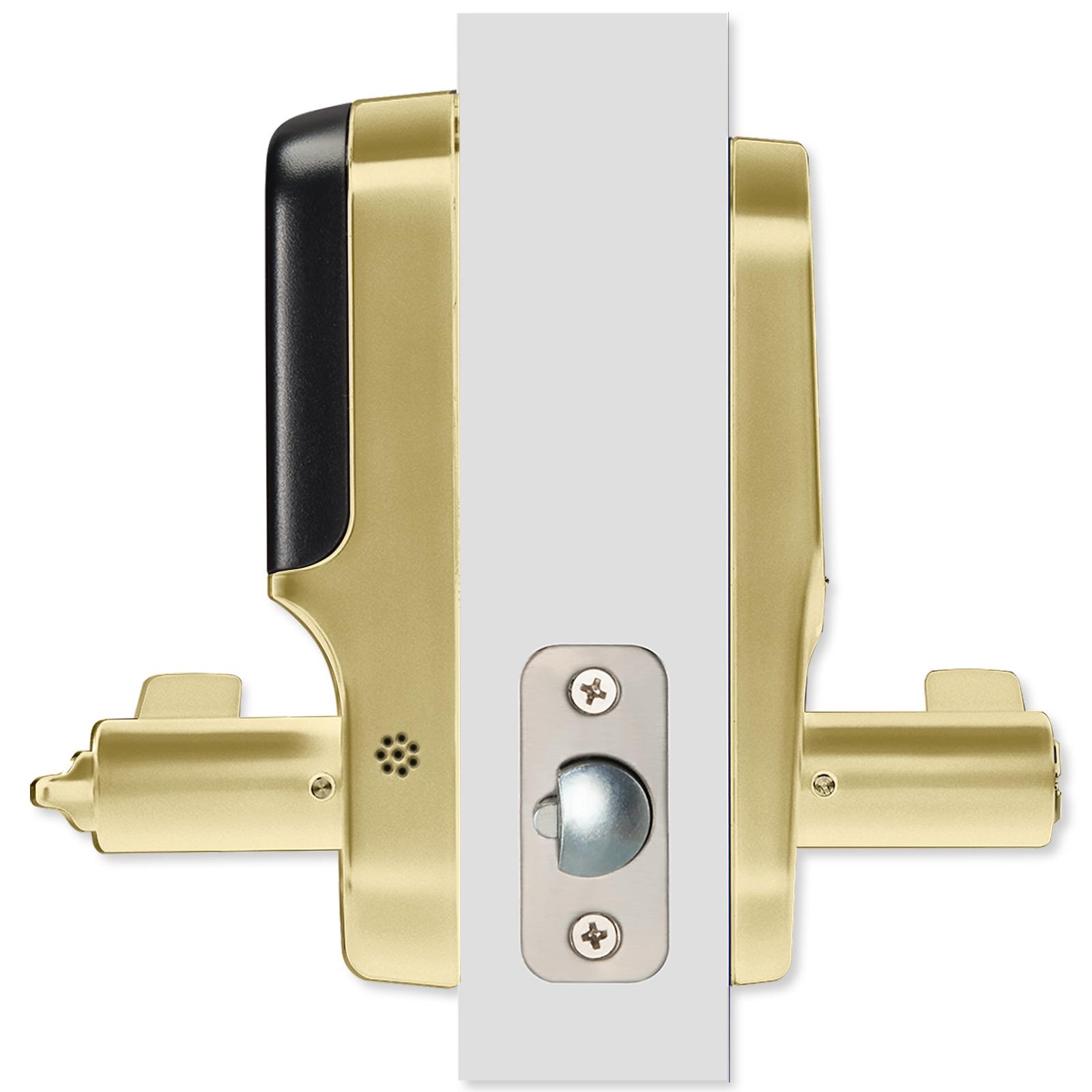
Designed for use with most standard interior or exterior doors, the lever installs on doors measuring 1-3/8 – 1-3/4 inches thick. All the necessary hardware (latch, strike, screws, etc.) is included, along with a template for door preparation and detailed instructions.
- Installs on a standard door 1-3/8 – 1-3/4 inches thick
- Adjustable latch fits existing backset of either 2-3/8" or 2-3/4"
- Suitable for right-handed or left-handed operation
The lever is powered by four (4) AA batteries, which are included and last for approximately one year. The Yale Smart Module easily snaps in above the batteries. When the battery is low, or wrong codes are entered, or the lock is tampered with, an alert is triggered.
The Yale Connect Wi-Fi Bridge plugs into a power outlet near your Yale Touchscreen Assure Lock and connects to your home Wi-Fi network. The Yale Connect Wi-Fi Bridge should be installed within 30 feet of your Yale Smart Lock; within 15 feet is recommended for optimal performance and reliability.
Contents
- Touchscreen Assure Lever Lock
- Yale Smart Module
- Connect Wi-Fi Bridge
- DoorSense Sensor
- (4) AA Batteries
- Mounting Hardware
- Instruction Manual
Notes
- Requires a 802.11 b/g/n (2.4 GHz) Wi-Fi network connection and a Bluetooth Smart Ready Phone with the Yale Access App (iOS or Android).
- The DoorSense Sensor must be installed.
Yale Real Living – Solutions For The Digital Home
As a residential product line under the Yale Security brand, the Yale Real Living series brings over a century of innovation to the digital home. Known for manufacturing top-quality deadbolts and leversets, Yale now offers lock hardware and other home security solutions fit for the modern, connected age.