


























Linxura Smart Controller
Ships today if ordered by 3:00 pm pacific time
LASCHA1MO
$95.95 - $99.99
Streamline Smart Home Control With a Portable Wi-Fi Controller
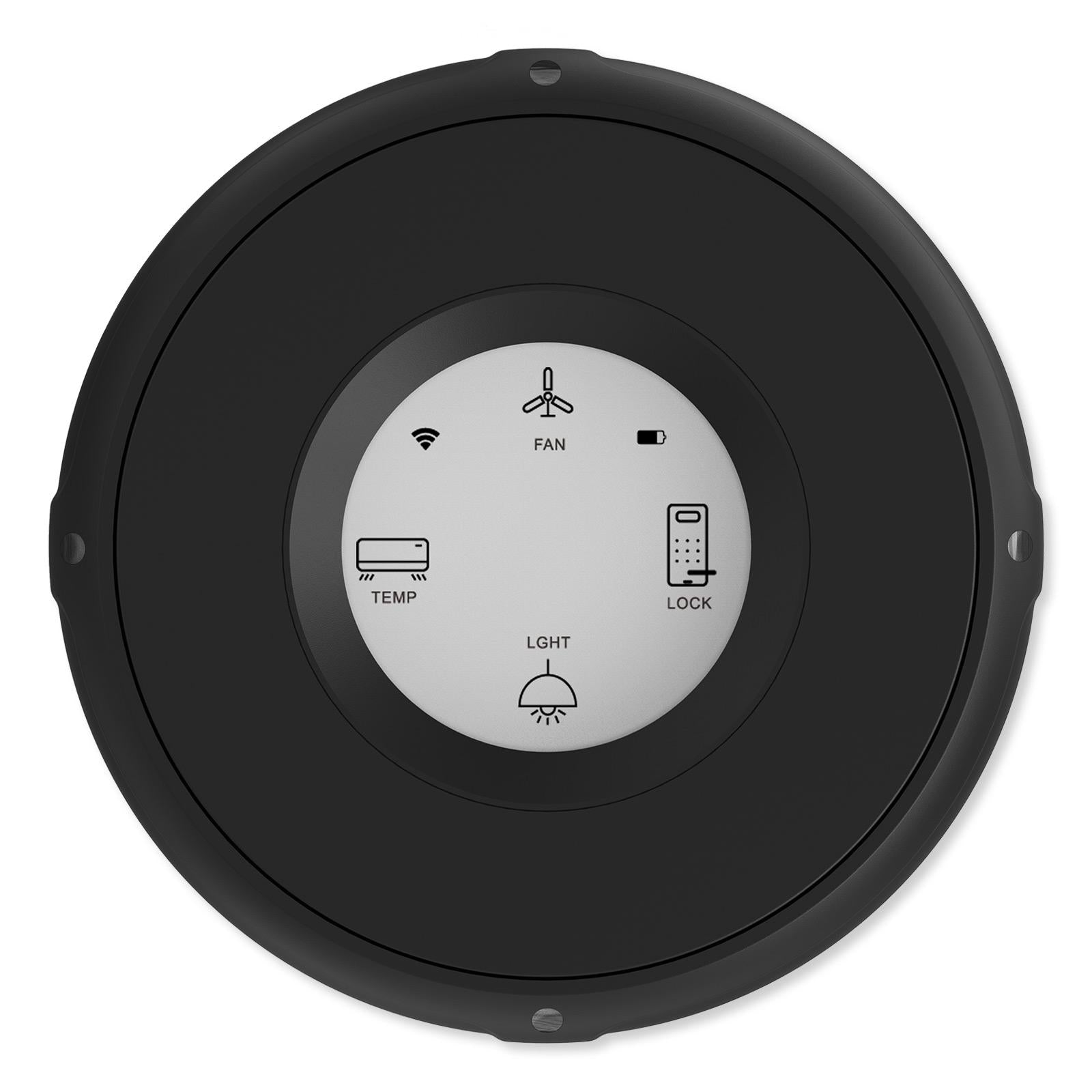
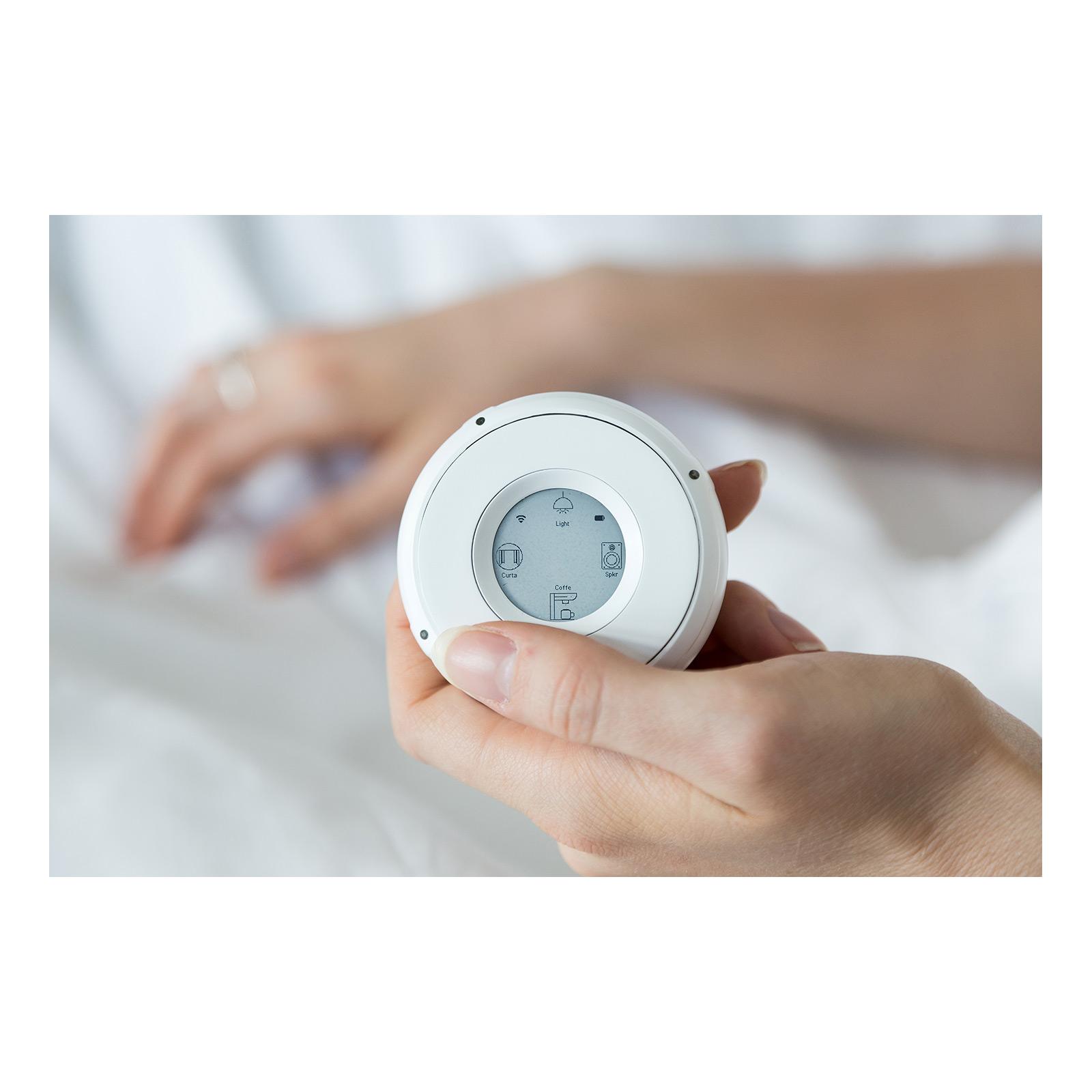
Bring your smart home controller with you anywhere in your home with the Linxura Smart Controller! This portable smart home controller features a small portable design with an intuitive click wheel interface to command Wi-Fi smart devices throughout your home or business. The Linxura Smart Controller acts as an additional controller for existing Wi-Fi connected smart home networks and it can also control standalone Wi-Fi compatible devices, no smart hub required. Up to 4 smart devices, or groups of smart devices, are displayed on the Smart Controller's e-paper screen at a time, and up to 52 devices can be connected to one or more Linxura Smart Controllers. The Linxura mobile app saves unpaired devices and inactive control schemes for later configuration. The Smart Controller is fully customizable; allowing you to choose devices to pair to the Controller and select which control inputs to activate/deactivate them from the free Linxura mobile app for iOS or Android.






- Wi-Fi compatible smart home controller commands Wi-Fi smart devices including lights, switches, thermostats, speakers, and more, no smart hub required
- Acts as a controller within existing smart home networks or with standalone devices, supports up to 52 devices
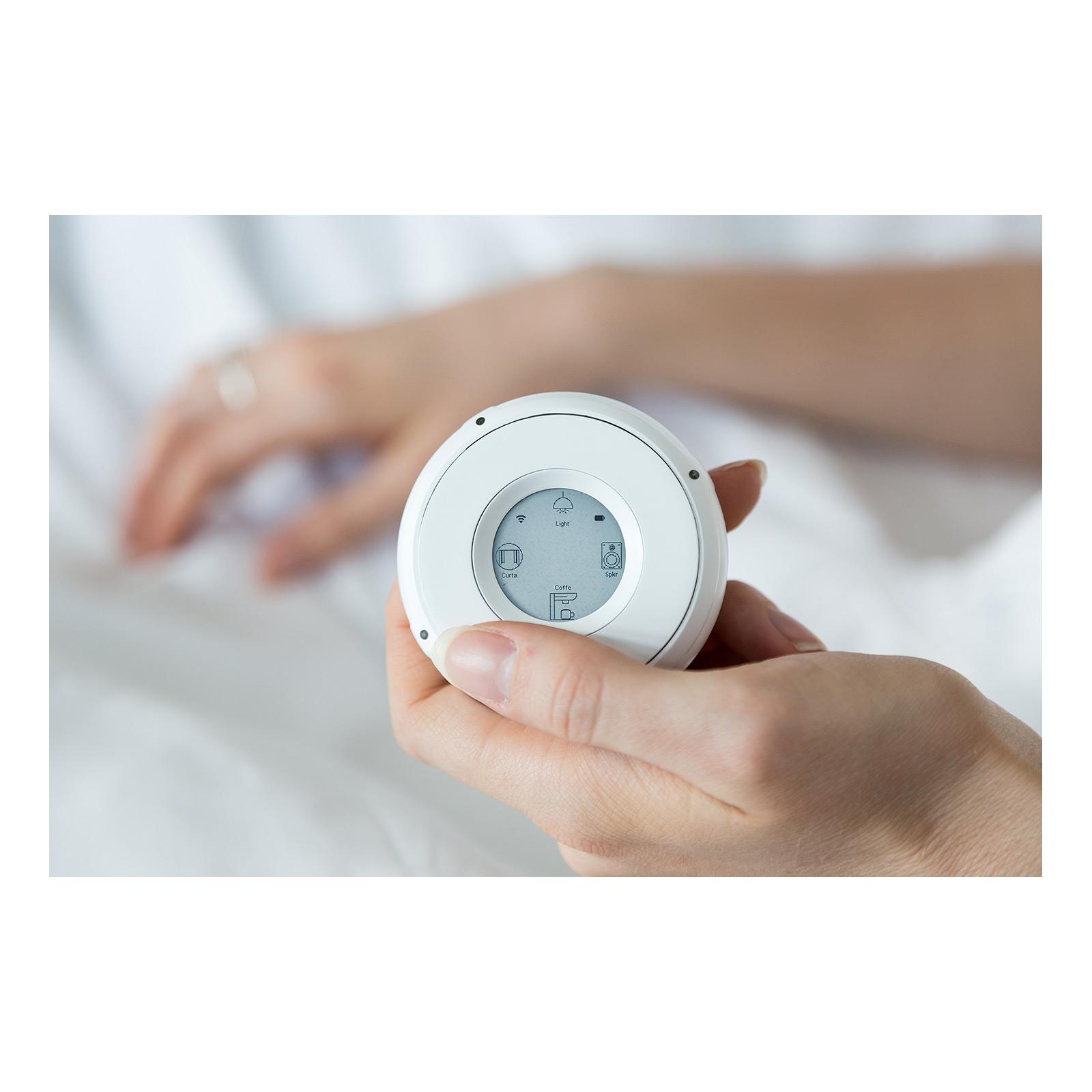
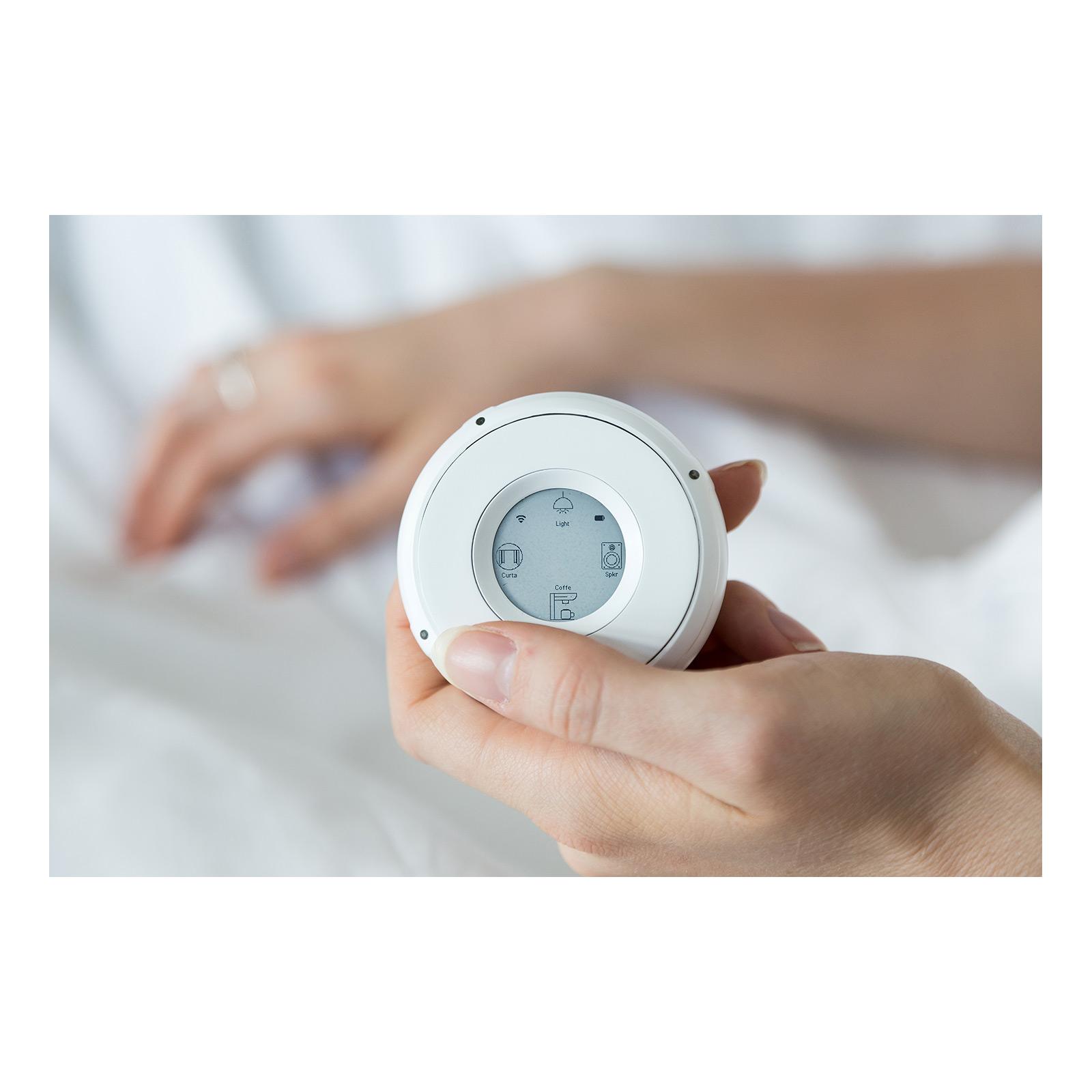
- 1.54" e-paper screen displays up to 4 devices at a time, optimizes battery usage and reduces eye strain
- Works with Amazon Alexa, Google Home, IFTTT, and Samsung SmartThings networks, along with Philips Hue, Sonos, Schlage, and Ecobee devices
- Apple Homekit, Matter, Yale, Homey, WeMo, Nanoleaf, Resideo, and more compatible integrations coming soon
- Intuitive Click Wheel rotates clockwise and counterclockwise for menu navigation, dim/brighten, raise/lower volume, and more
- Customize control inputs based on paired devices: single click, double-click, press and hold, or click and rotate
- Bluetooth mode allows for control over media players and speakers within nearby proximity
- Rechargeable battery lasts up to 3 months on a single charge
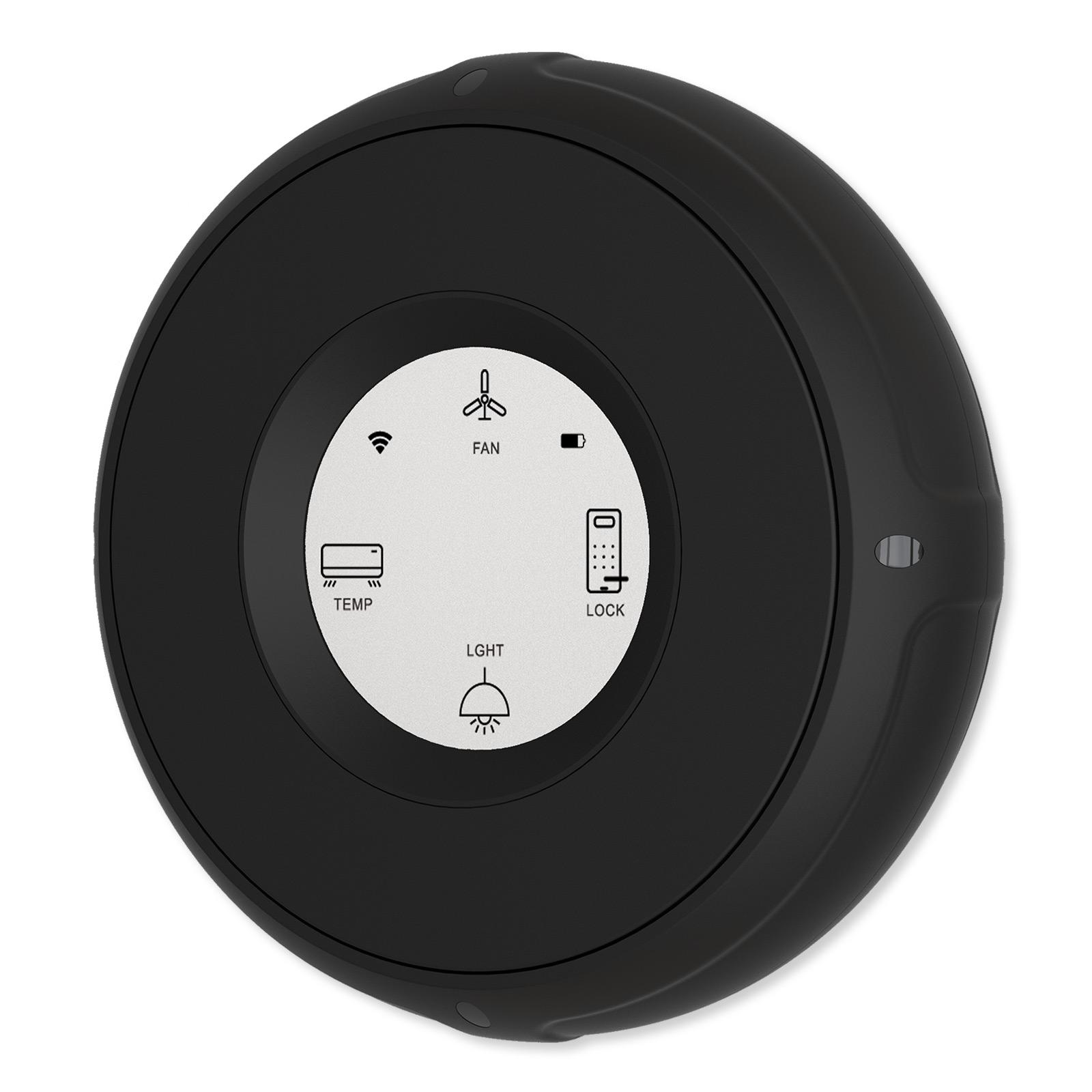
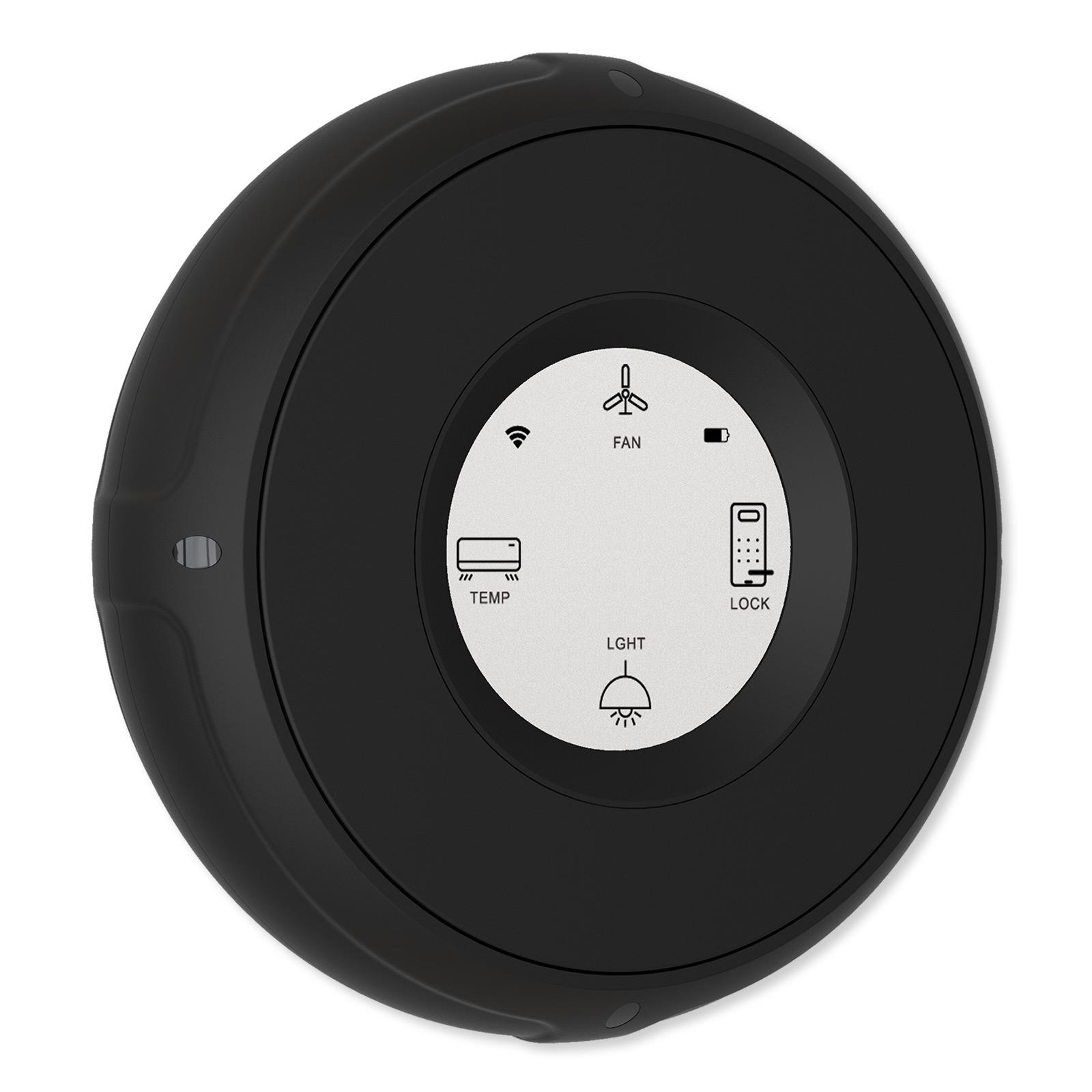
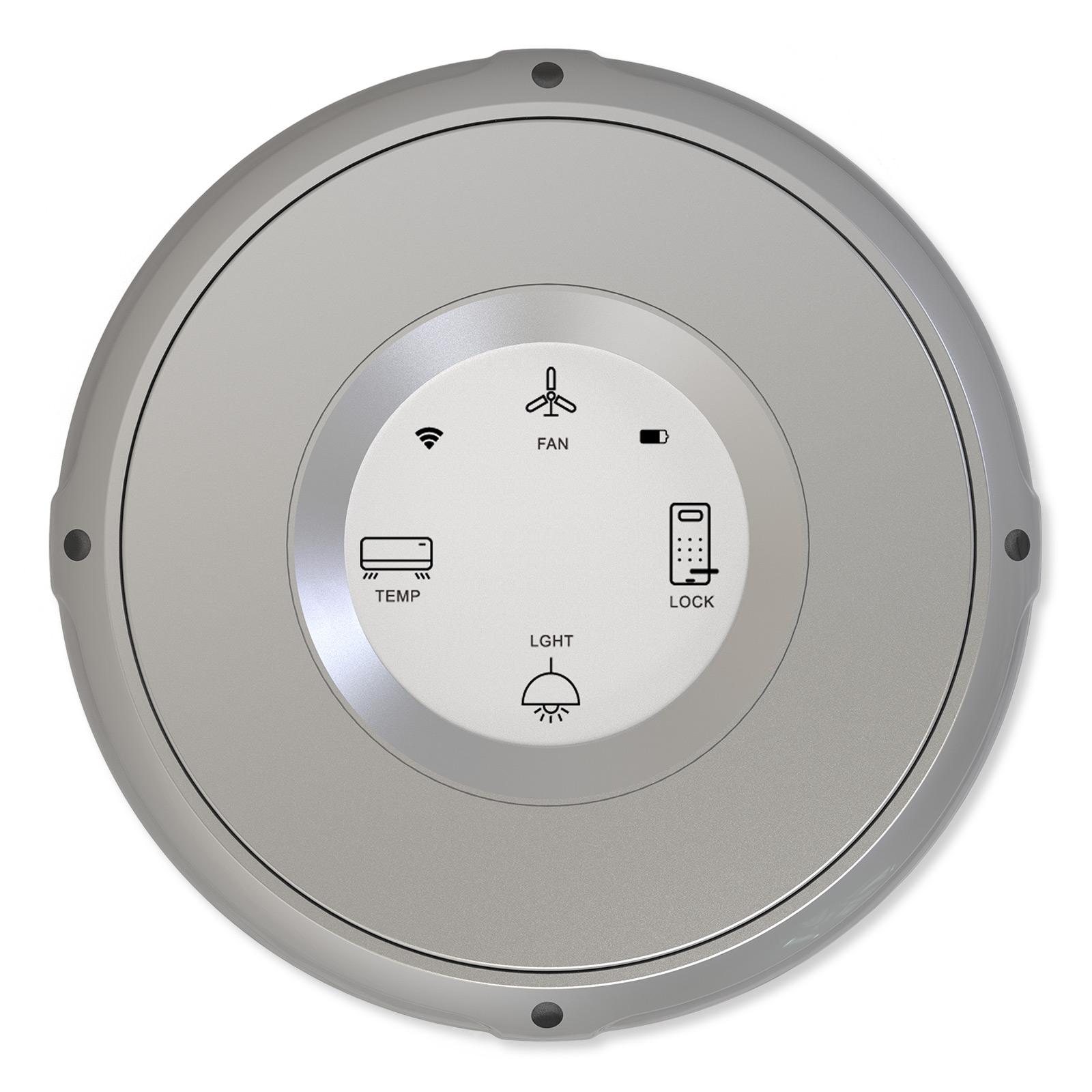
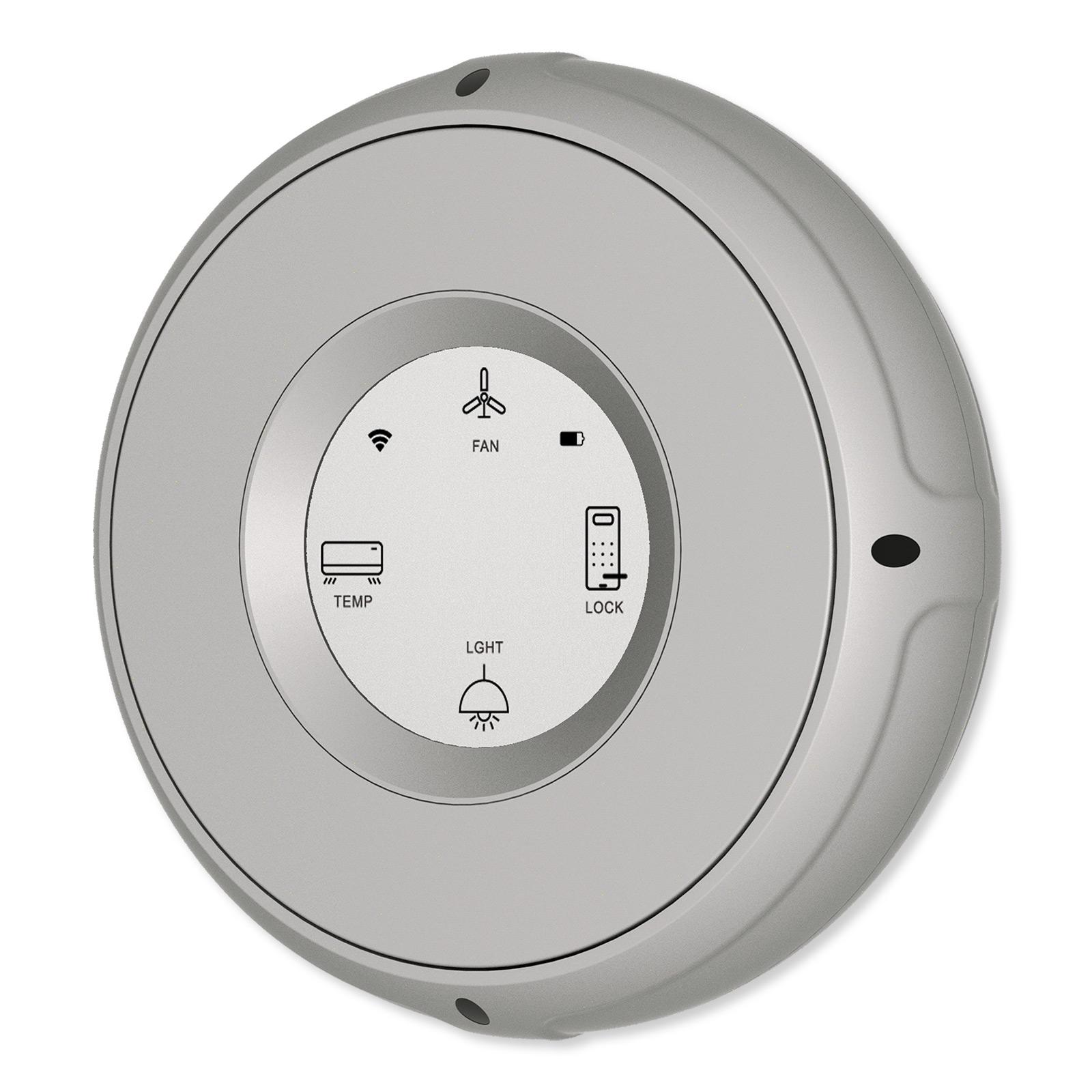
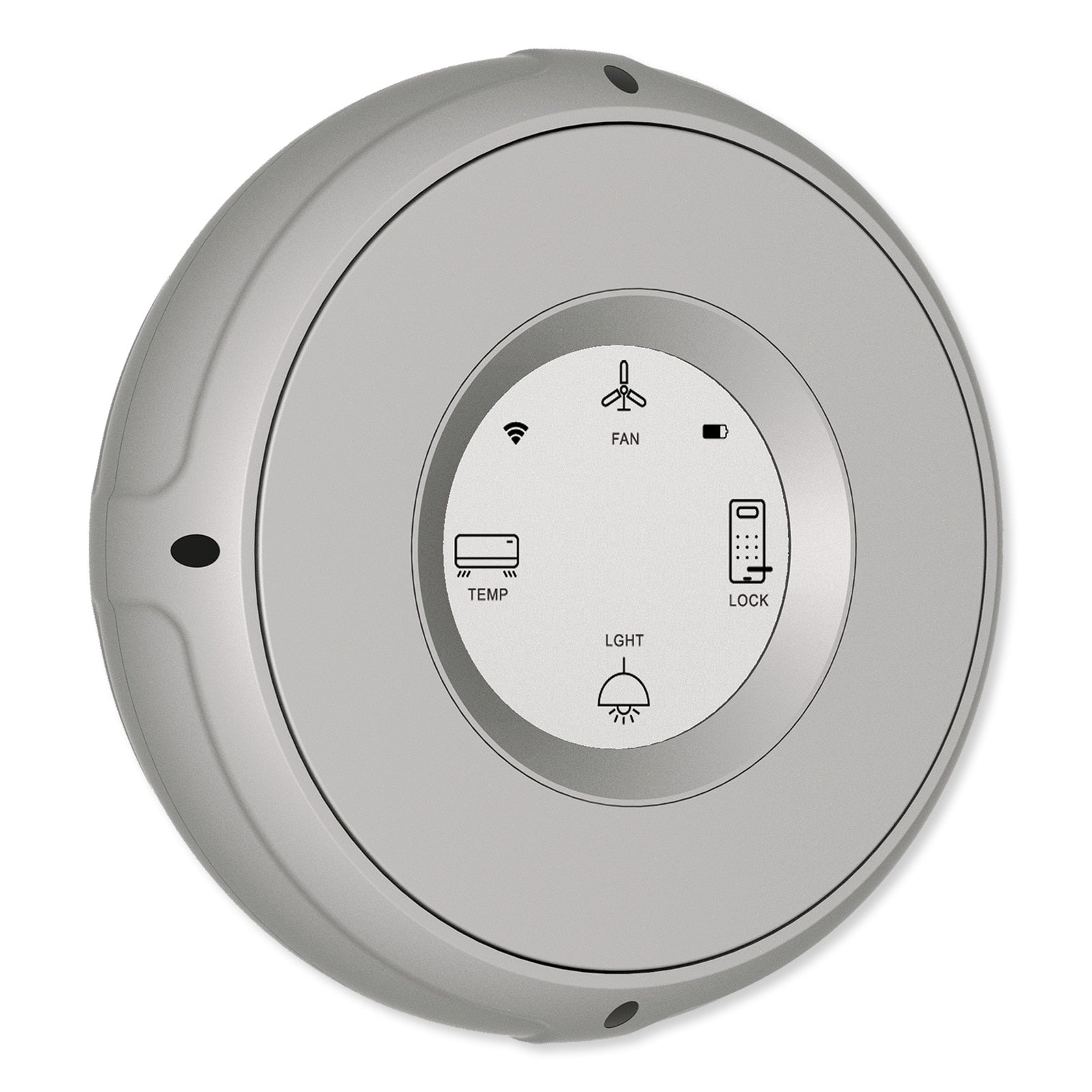
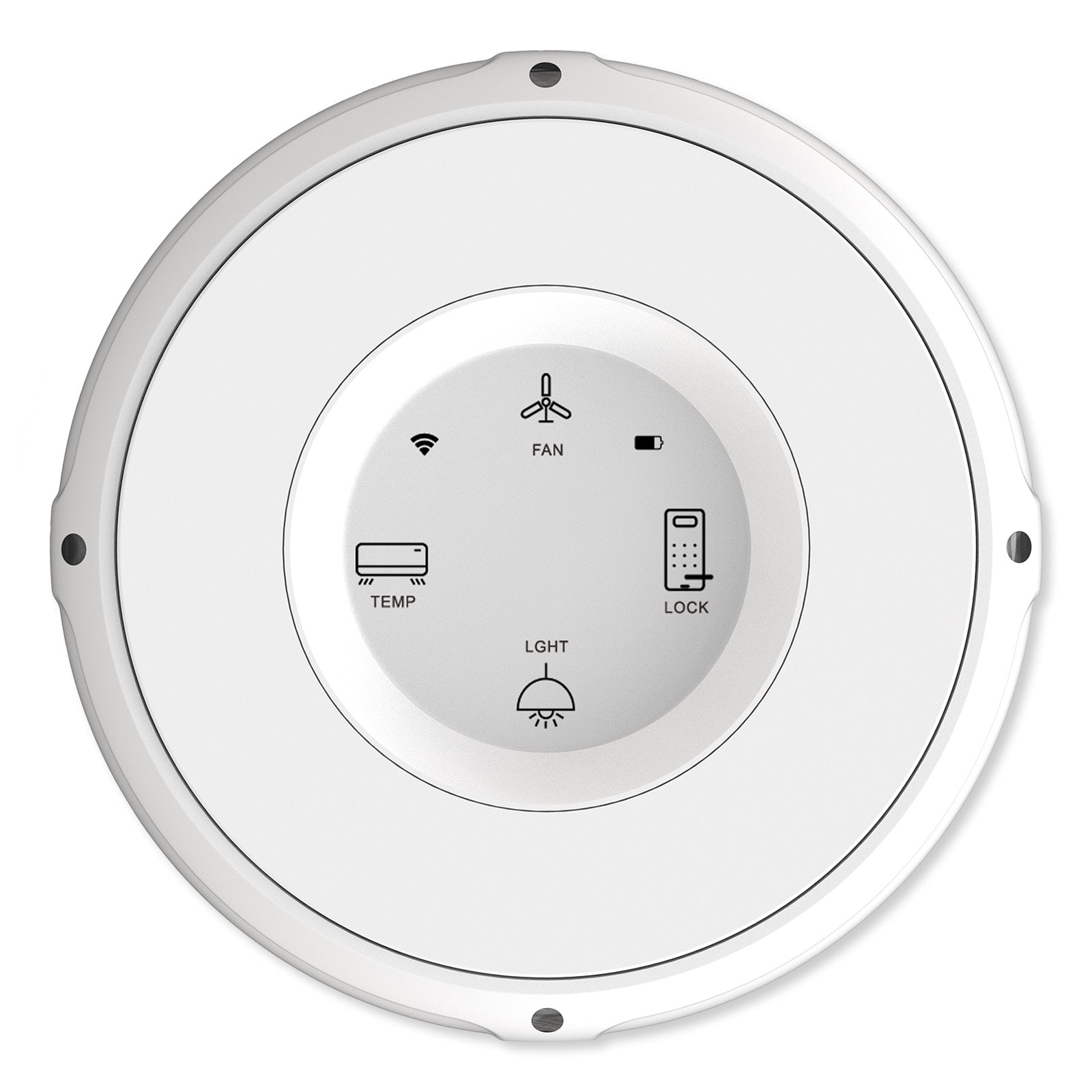
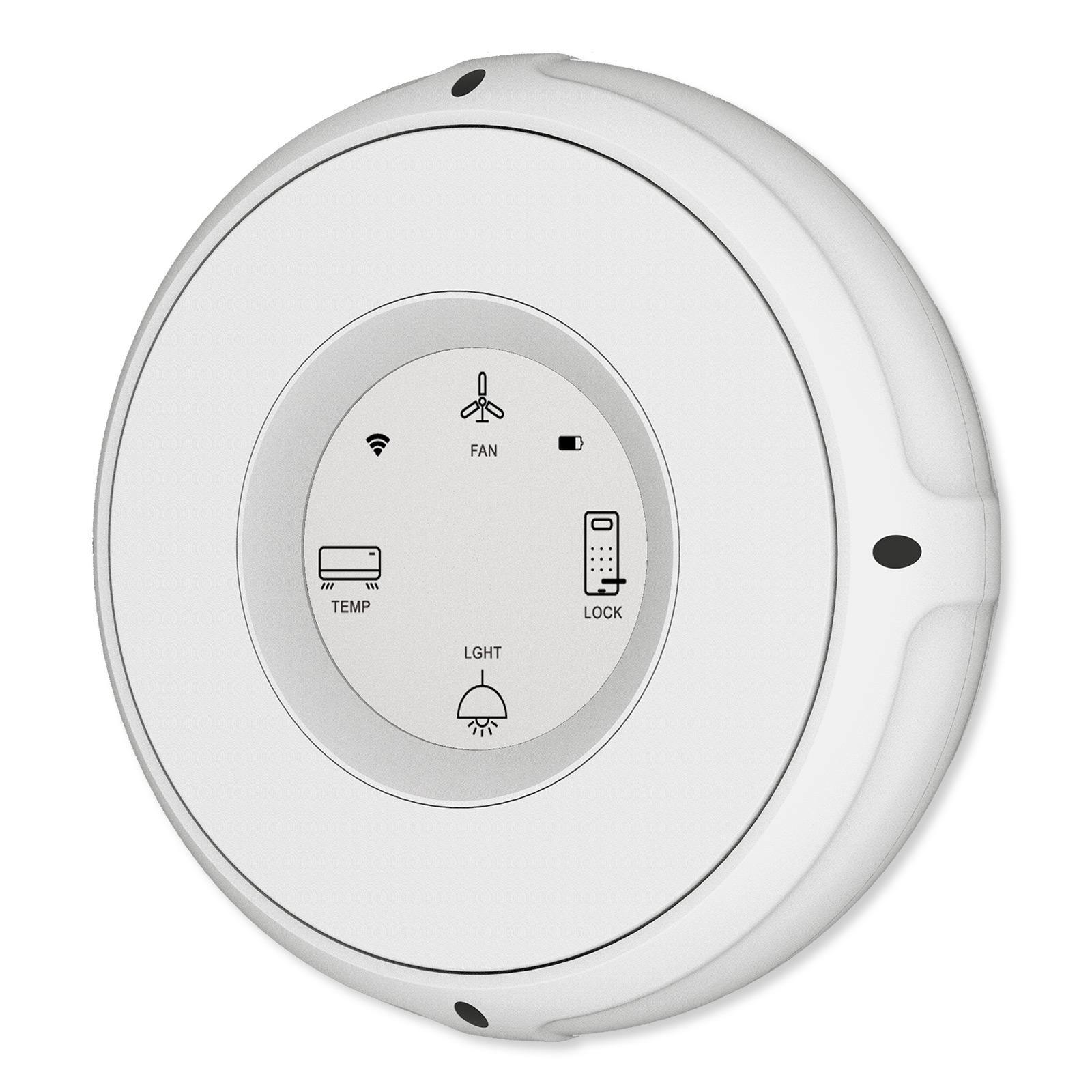
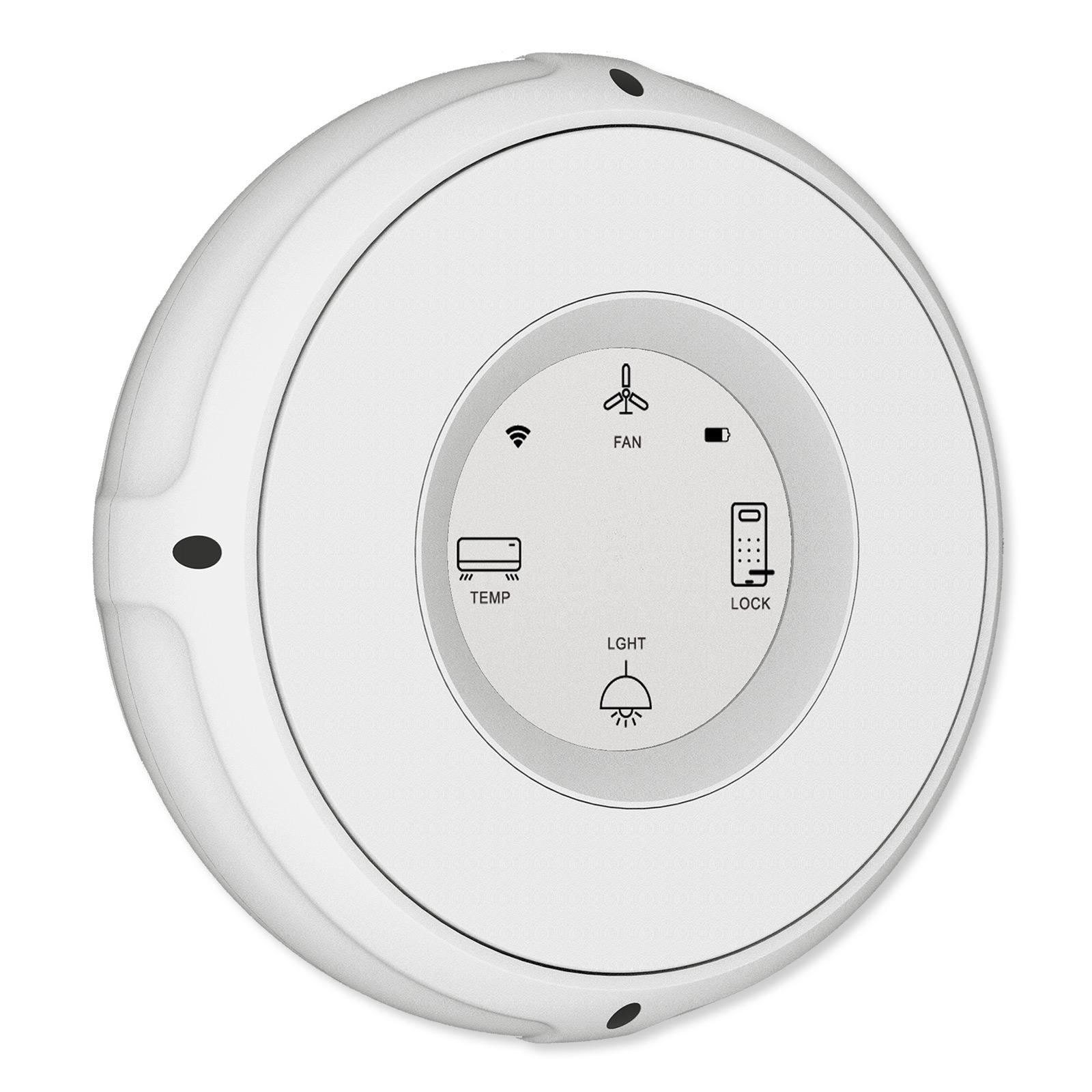
The Linxura Smart Controller's click wheel interface is similar to the original iPod control interface, 4 click buttons and rotating wheel to cycle through options or raise/lower light levels, volume, or window coverings. Instead of a center pushbutton, there is a 1.52 inch e-paper screen that displays icons of connected devices, the Smart Controller's Wi-Fi connectivity, and battery life. When a device is paired with Smart Controller, you select a corresponding icon to designate what the button controls when used.
From the Linxura app, you can select which inputs to use to command paired devices. Customize control inputs based on paired devices such as:
- Single and double click to turn On/Off devices, groups of devices or smart scenes
- Press and hold to manually raise or lower change curtain positions, or activate/deactivate
- Click and rotate to raise or lower light levels of smart bulbs or volume levels of connected smart speakers
Linxura App
Configure one or more Linxura Smart Controllers from the Linxura app for iOS and Android. The Linxura app enables you to easily configure your Linxura Smart Controllers to better control individual or groups of devices within your smart home. Each Linxura network can integrate and support up to 52 devices, groups of devices or pre-programmed routines; unpaired devices are saved within the app's memory to avoid reconnection issues. From the app you can customize the input methods for each connected device, groups, or routines. For example, program smart lights to turn on with one push, activate a "Cozy Lighting routine" with two pushes, and dim/brighten with a push and rotation of the click wheel. Programmed inputs are saved within the app and can be easily copied to other Linxura Smart Controllers.
Receive real-time notifications of changes in device status, triggered routines or alerts, or network issues. A "Find My Controller" feature helps you to locate a Linxura you can't easily spot. Guest accounts can be created to share control of your Linxura Smart Controllers with family members, roommates, or coworkers.
Installation Details
The Linxura Smart Controller can be left on tabletops, counters, or night stands like other remote controllers. An optional Wall Mount (WMA-1, sold separately) provides a designated location for the Linxura to return to when not in use. The Linxura can still be used while wall mounted, acting like any other switch or smart home controller.
Contents
- Linxura Smart Controller
Notes
- Wi-Fi network required for operation.
- No smart hub required for operation. Check any existing Wi-Fi compatible smart hub interface to determine if the Linxura Smart Controller is compatible with the network.
- Bluetooth compatible devices must be within Bluetooth proximity range in order to control.
Everything Smart yet Totally Simple with Linxura
Linxura is a smart home automation company dedicated to bringing the benefits of smart home automation to everyone. They are committed to creating innovative products that are affordable, easy to control, and simple to automate your home the way you envision. Their goal is to create all-in-one solutions within the smart home ecosystem that streamlines the process and makes it easier for people to manage their smart home environments without worrying about manufacturer compatibility or jumping between various mobile applications or physical controllers.