

















Yale Assure Lock 2, Key-Free Keypad with Wi-Fi
YAYRD430WF1BSP
$154.17 - $305.95
Modernize Your Entryway with a Key-Free Deadbolt
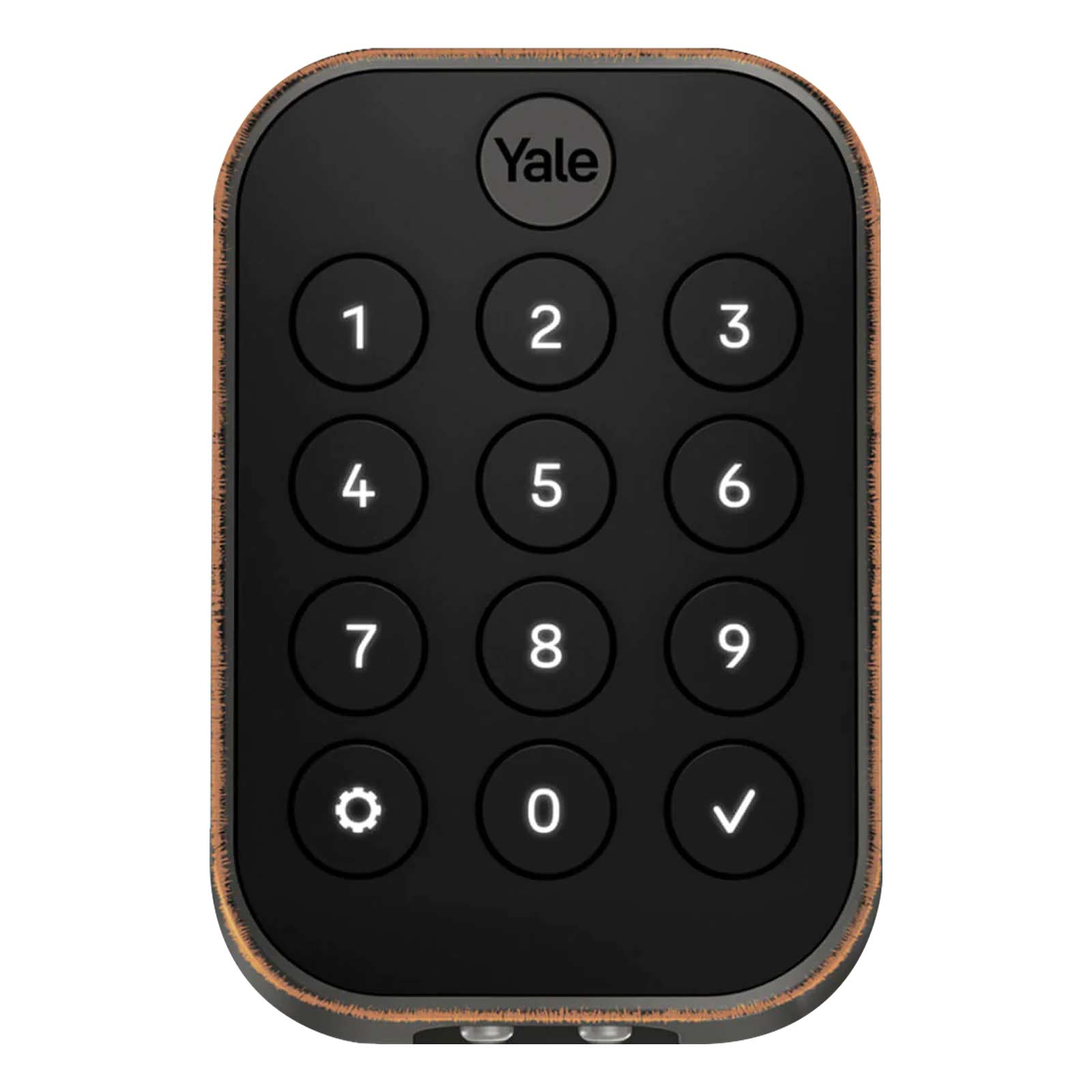
Modernize your front door with a smart lock that provides multiple key-free access options with the Yale Assure Lock 2 Keypad Deadbolt with Wi-Fi, Keyless. This Wi-Fi connected electronic deadbolt adds style, security, and peace of mind to your entry door through multiple unlock methods and various ways to monitor your lock's status when you're away. This model offers 2 key-free options to access your door: 4-8 digit passcode entered into the pushbutton keypad and virtual keys or on-demand remote access through the Yale Access app. You can check on the lock's real time status, receive notifications when the lock is used, and decide who can unlock your door and when through the Yale Access app. Additional features include two-step verification, auto-locking the door, battery backup, voice control, and smart home integration with select popular home automation hubs.




- Wi-Fi deadbolt with push button keypad offers multiple key-free and remote access options to unlock your front door
- 2 ways to unlock: 4-8 digit passcode and remote access through the Yale Access app
- Included DoorSense Sensor reports lock and door status
- Auto-Unlock and Auto-Lock the door when entering or leaving Bluetooth proximity
- Share passcodes with guests, friends, and family and schedule days and time periods when passcodes can be used
- Compatible with left and right handed doors, no professional installation necessary
- Two-factor authentication, biometric verification and fingerprint resistant keypad ensure access to your door is kept within your control
- Voice Control Compatible with Amazon Alexa, Apple Siri, Google Home
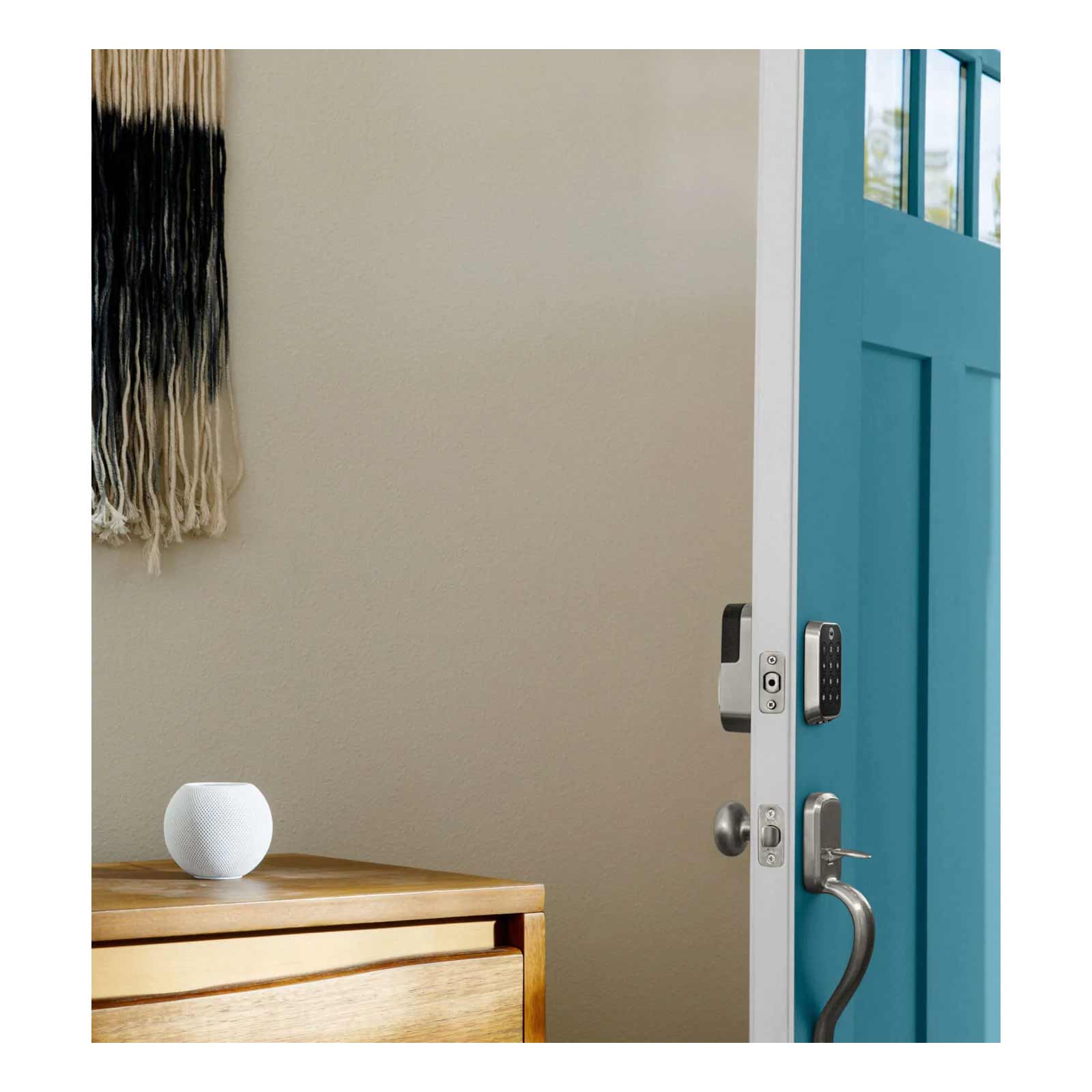
- Smart home integration with Apple HomeKit, Amazon Alexa, Google Home, and Wi-Fi compatible hubs including SmartThings
Enjoy Hands-Free Access with Auto-Unlock and Auto-Lock
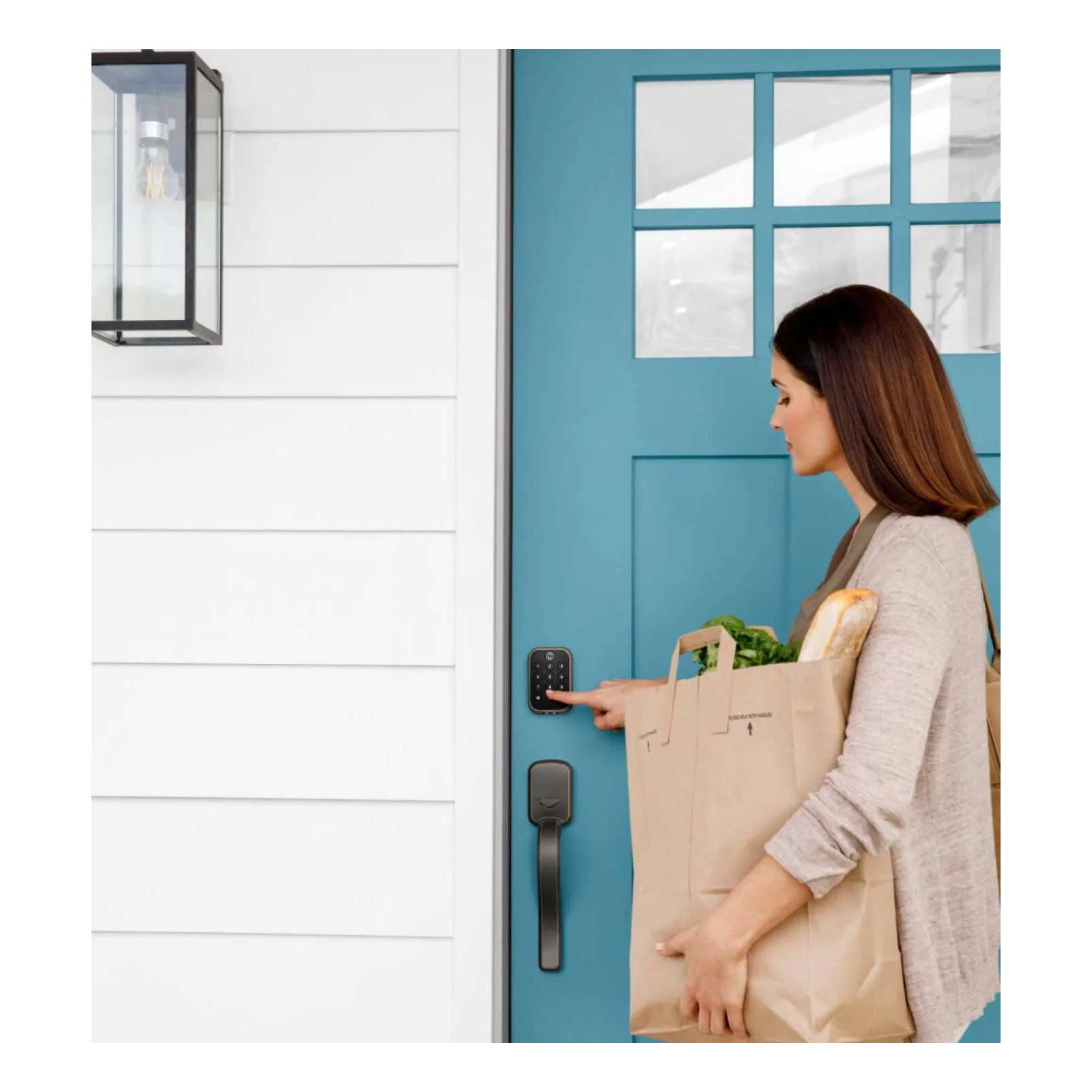
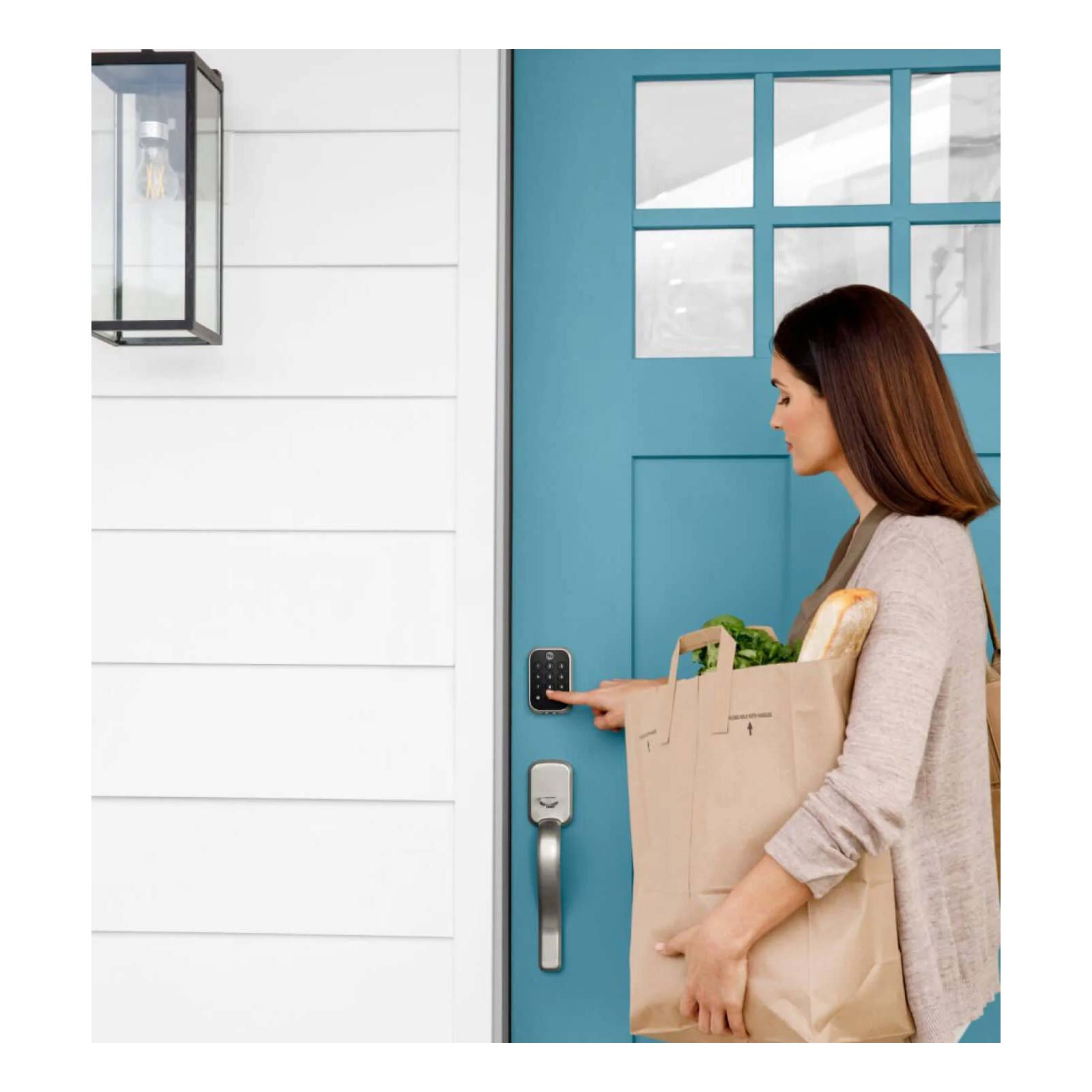
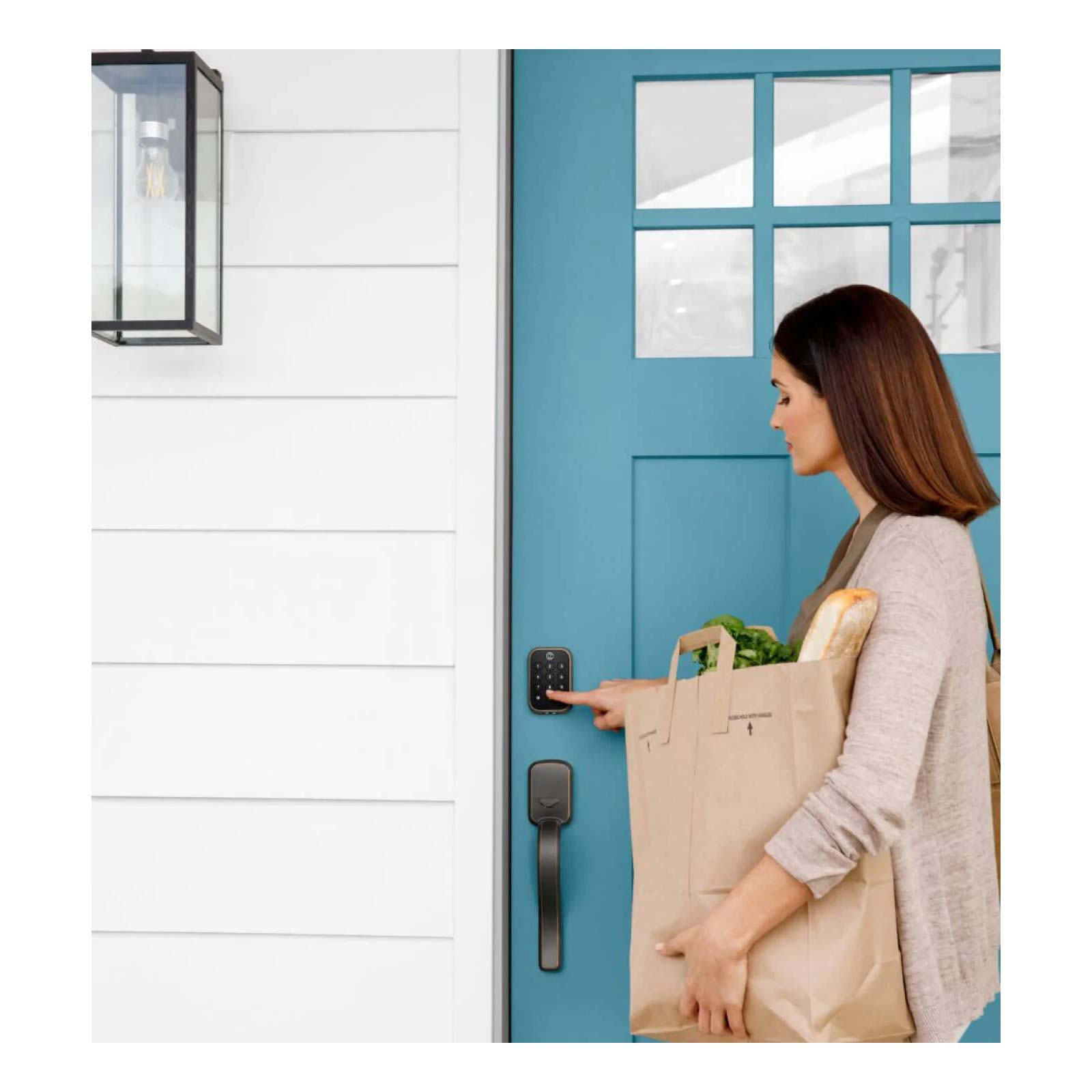
The Assure Lock 2 offers hands-free operation through its smart Auto-Unlock and Auto-Lock features. When your mobile device, authorized through the Yale Access app, enters Bluetooth proximity range of the Assure Lock 2, the lock will automatically unlock for easy entry. Once inside and after closing the door, the lock can automatically lock itself once your mobile device leaves Bluetooth range or after a set period of time. This hands-free operation helps when bringing in groceries or large packages or groups of people, and ensures you don't forget to lock the door when coming or leaving.
Know Your Door's Status with DoorSense
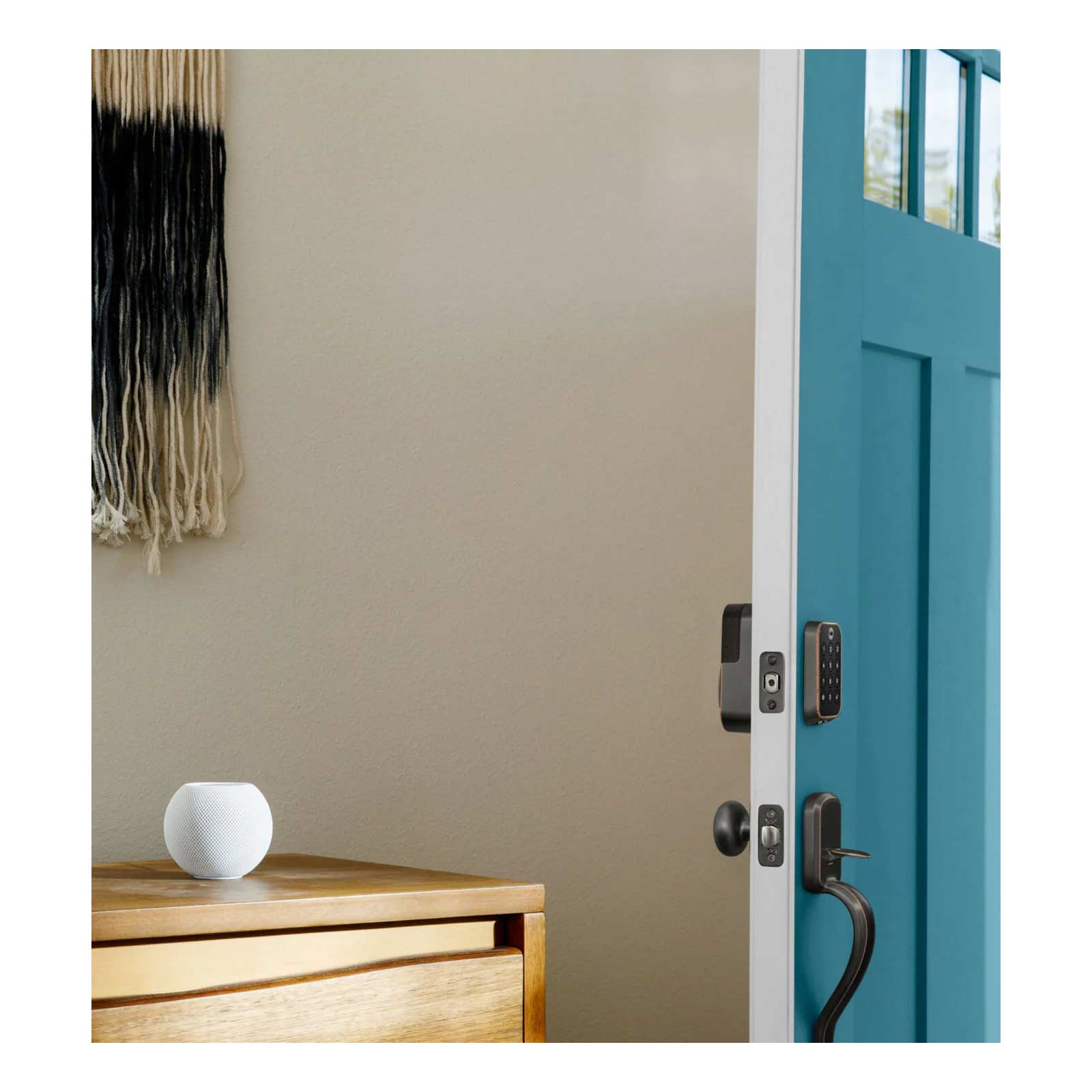
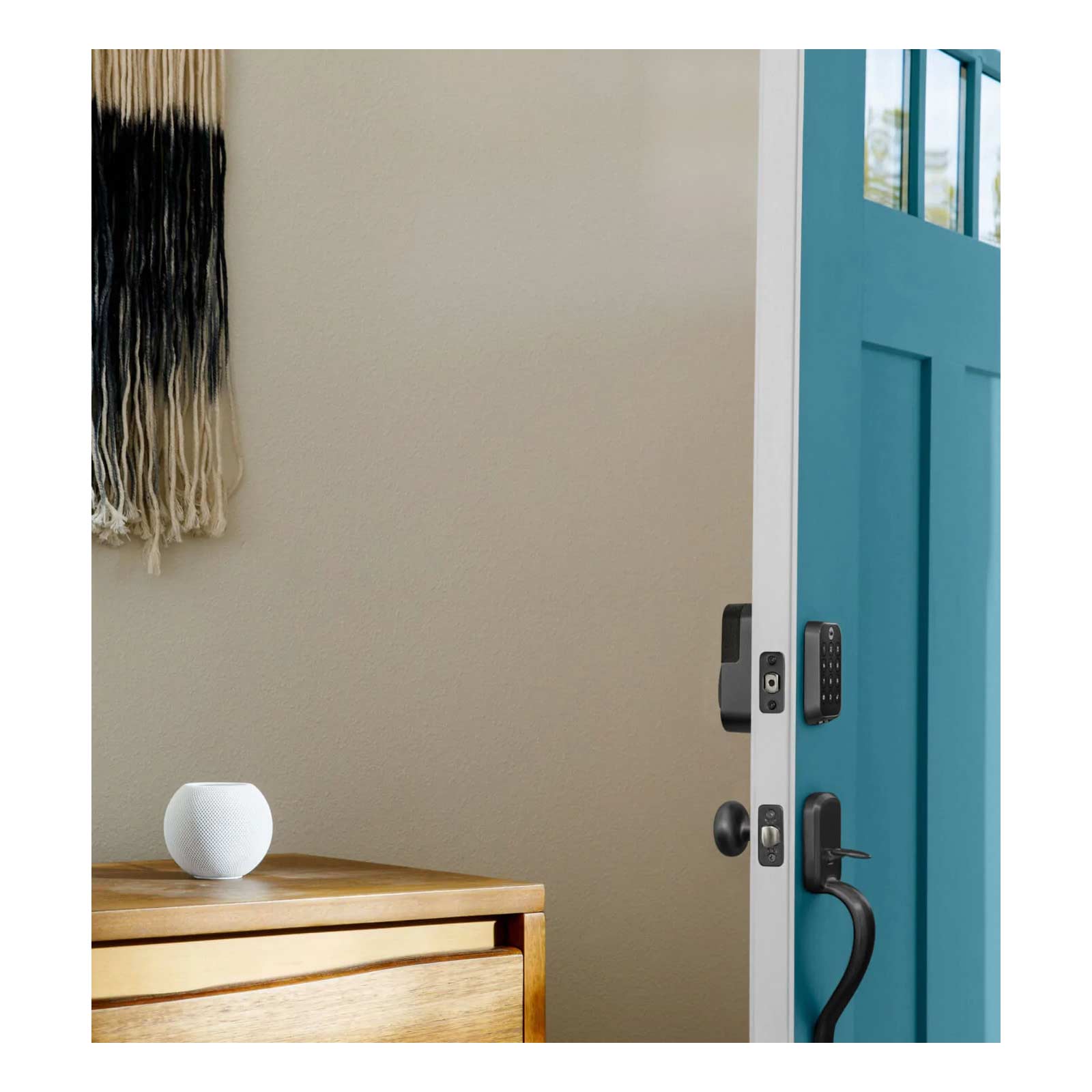
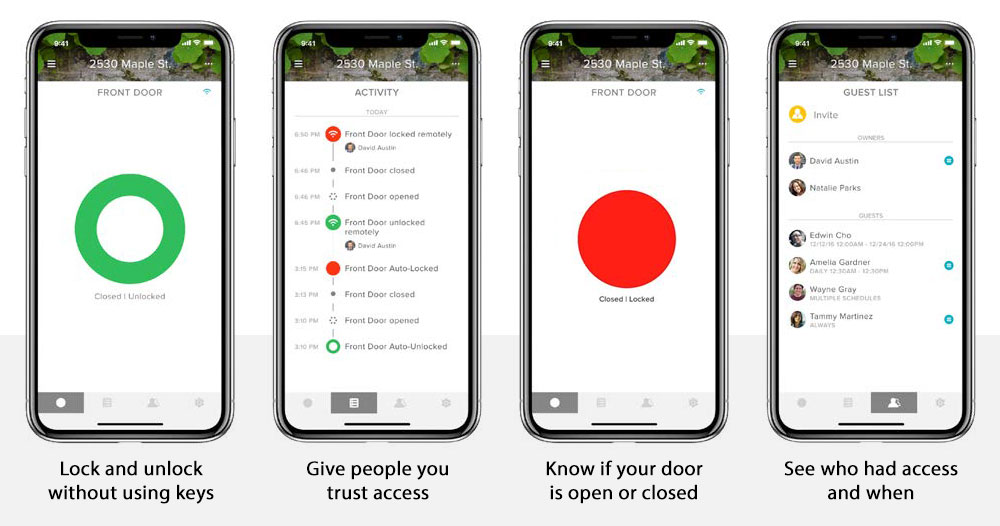
The Assure Lock 2 includes a Yale DoorSense Sensor which tracks the precise location and status of your door to inform you of your door and lock's status. The small magnetic DoorSense Sensor mounts onto or within your door frame to report to the Yale Access app whether your door is open or closed and if the Assure Lock 2 is engaged or unlocked. The DoorSense Sensor works with the Yale Access app on your mobile device to assist Auto-Lock and Auto-Unlock features by ensuring that the door is in the correct position before the lock re-engages or unlocks itself.
Unlock with Yale Access Mobile App
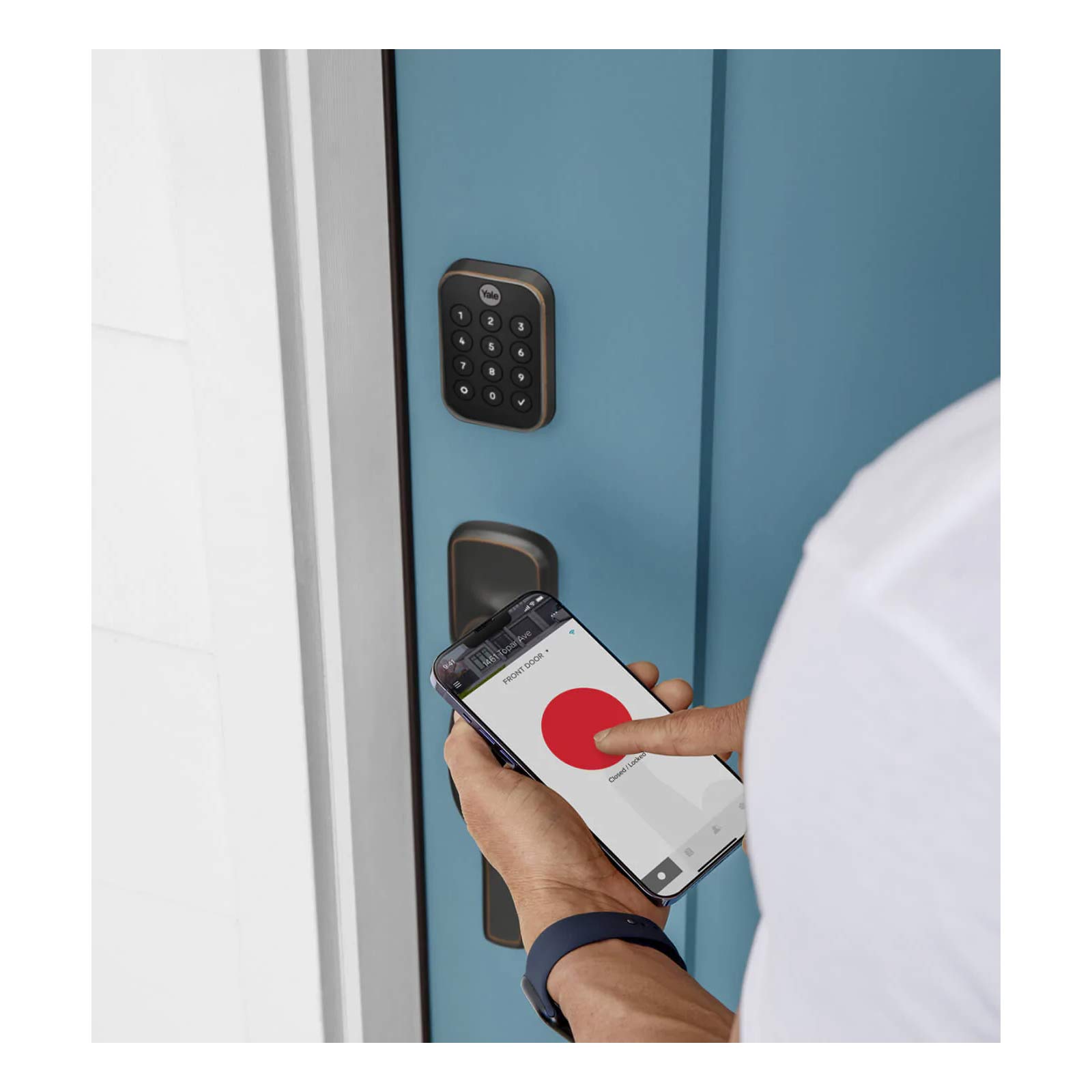
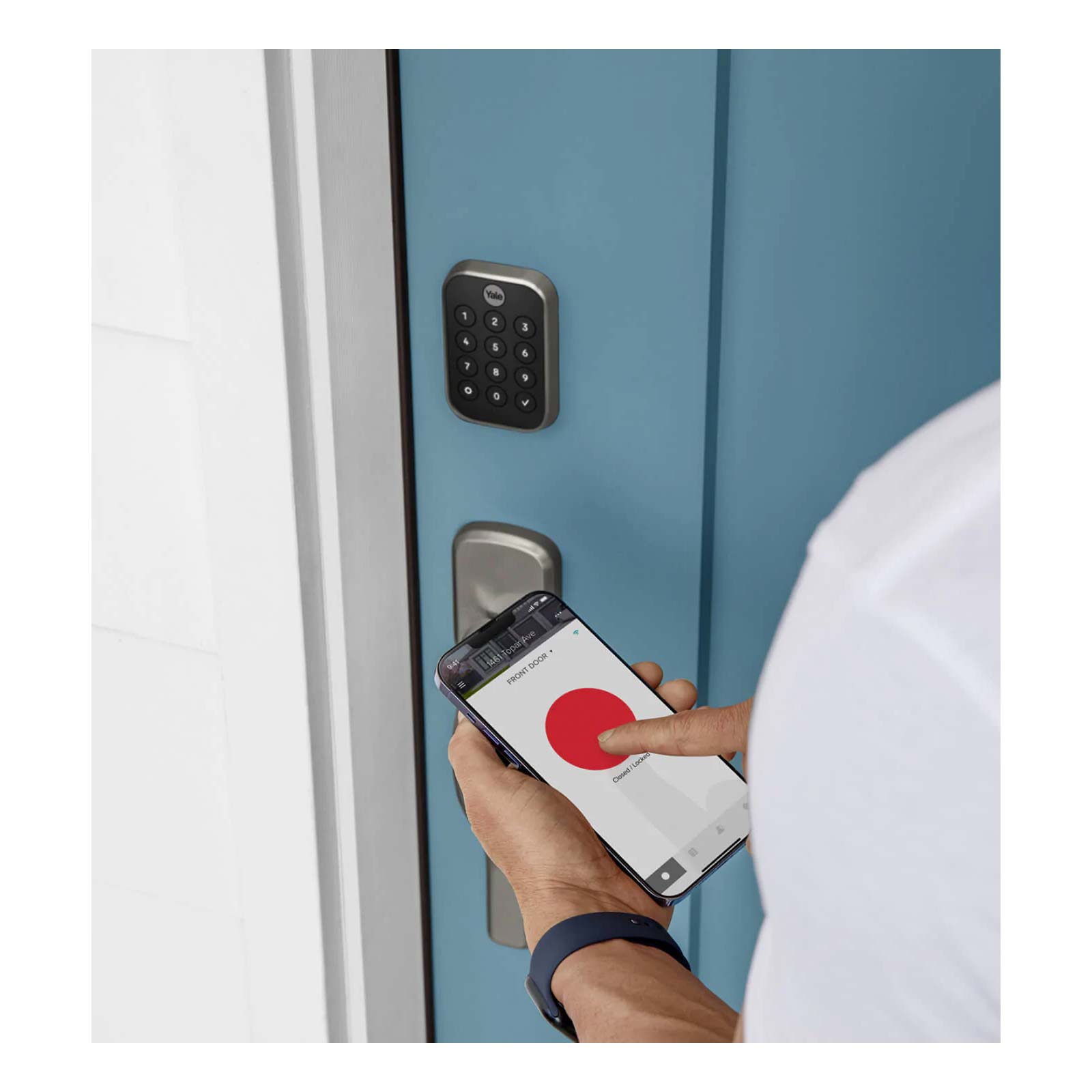
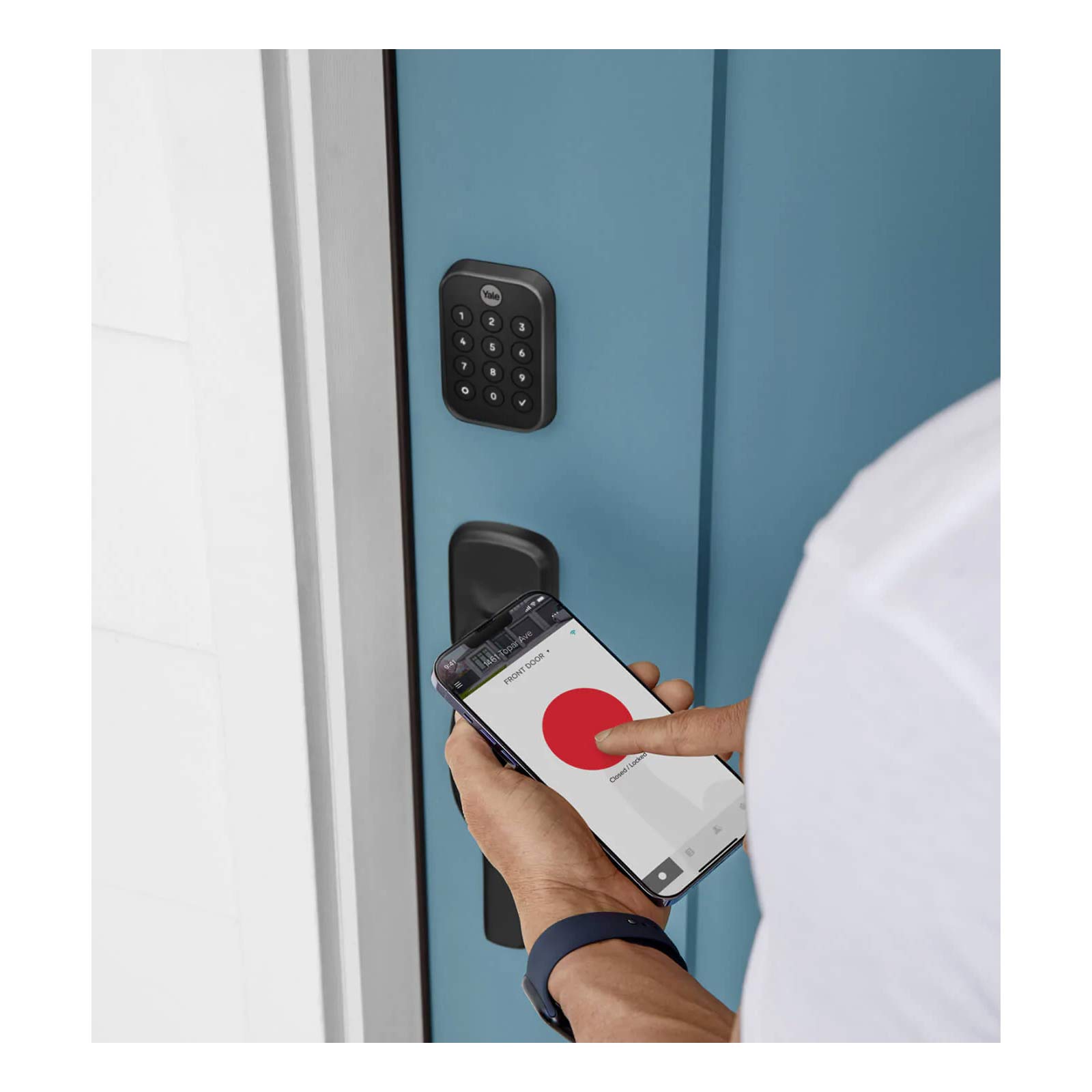
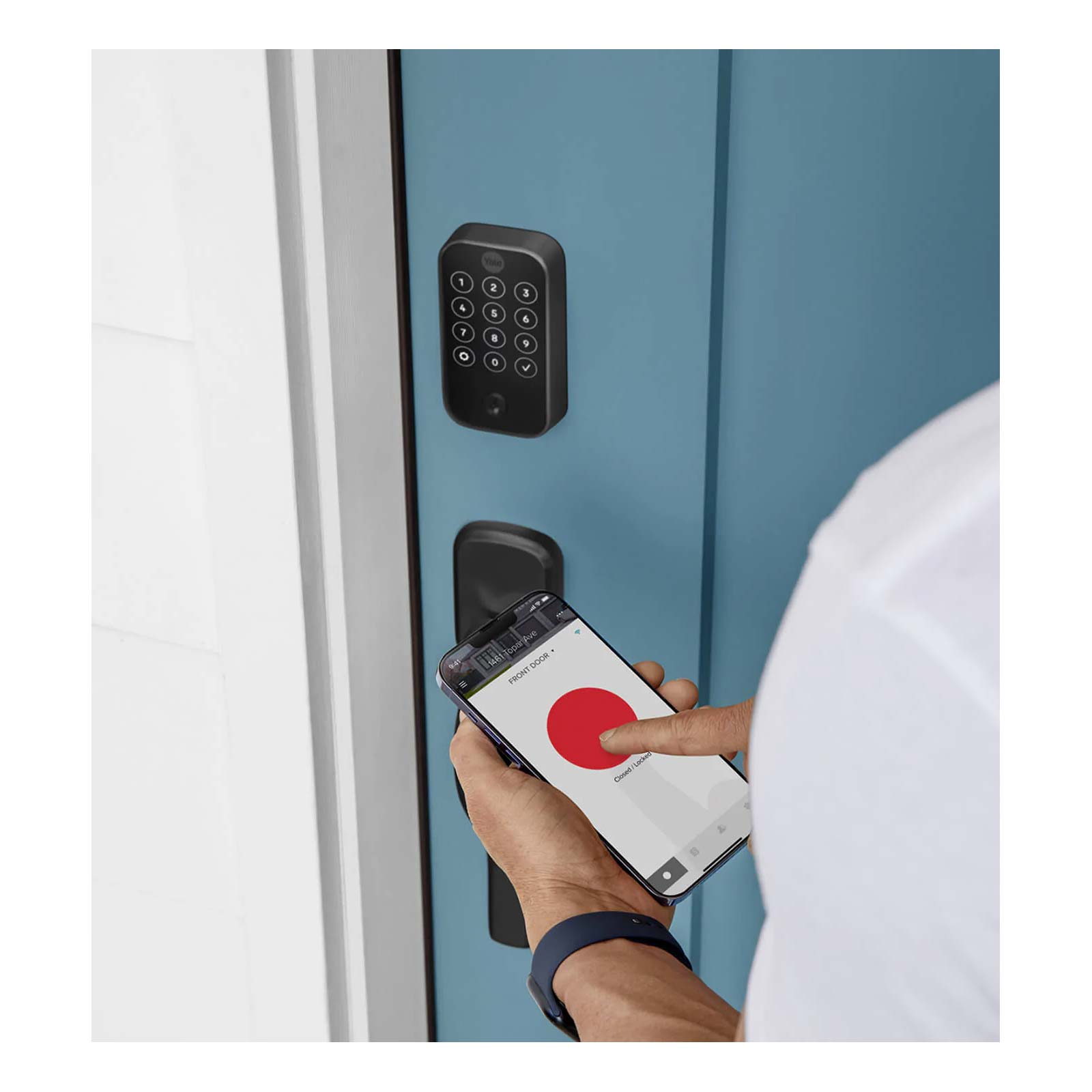
The Yale Access mobile app gives you total control over your Wi-Fi connected Yale lock. From your mobile device, the Yale Access app enables you to remotely lock/unlock your door, share access with others, and keep track of the lock's activity through saved records and real-time alerts. The app utilizes your mobile device's Bluetooth and Wi-Fi transmitters to provide smart access to your Yale lock, including Auto-Lock and Auto-Unlock when you are near the lock, integration into home automation systems and smart scenes, and enabling voice control compatibility with Alexa, Google Assistant, and Siri.
Share Passcodes for Key-Free Operation
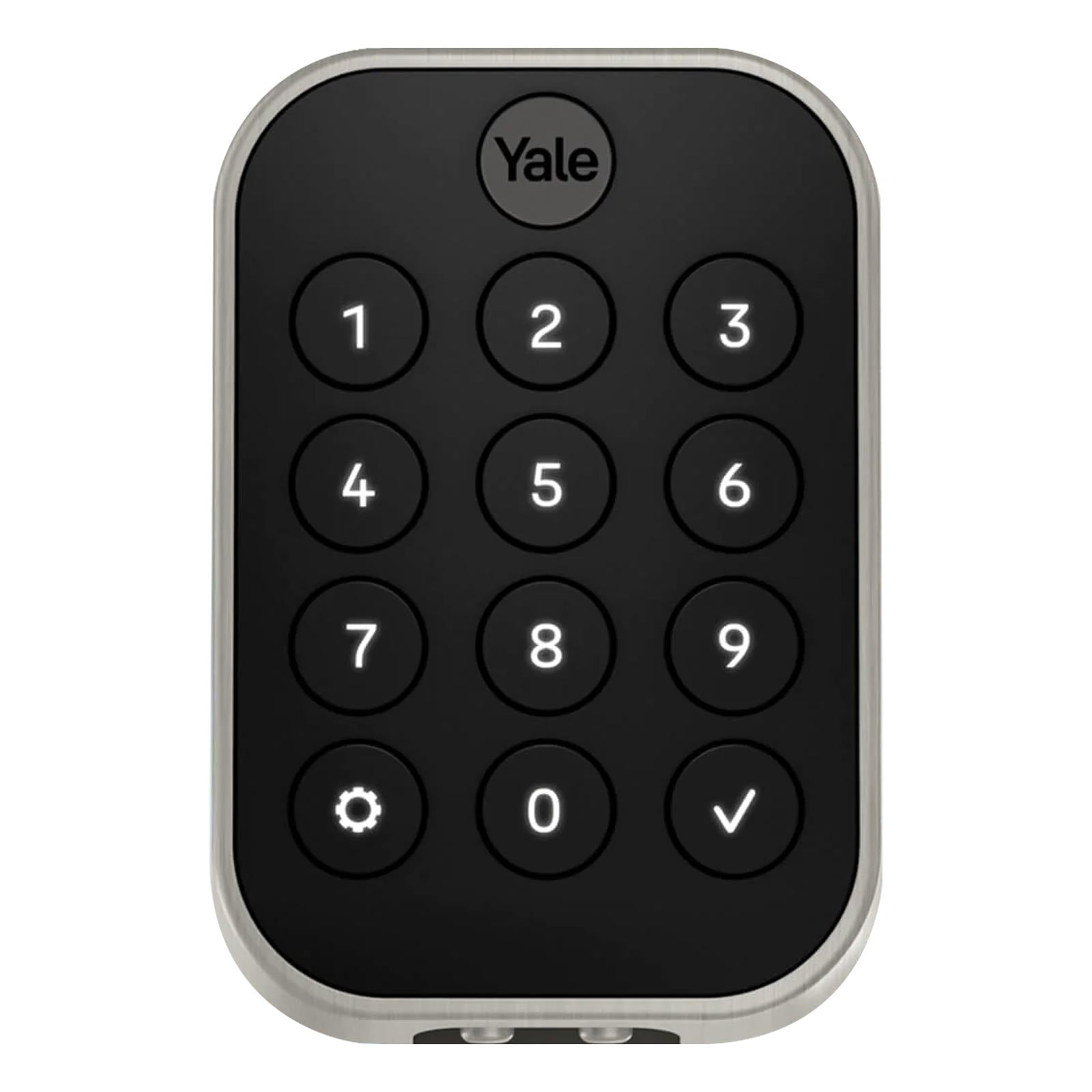
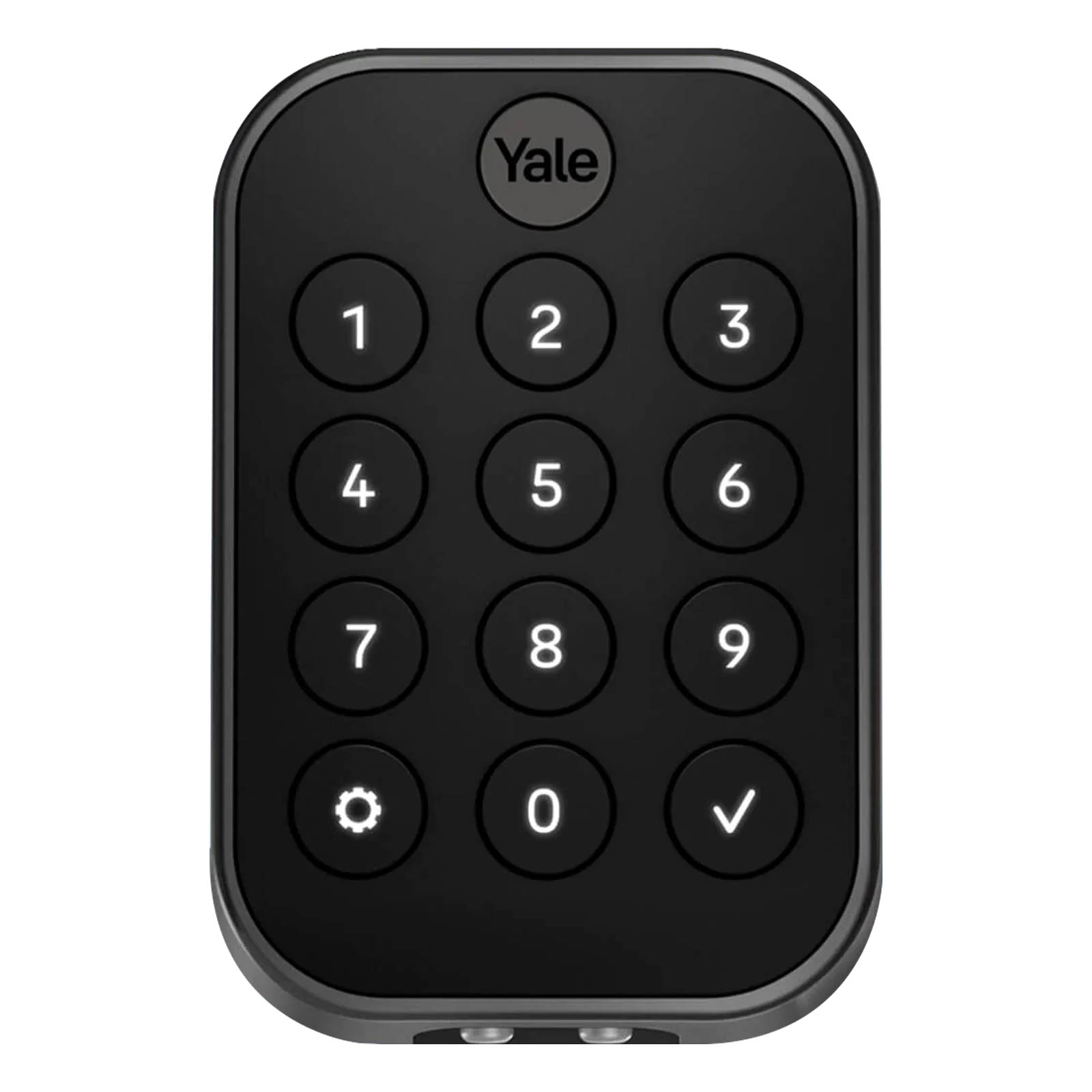
The Assure Lock 2 includes a built-in pushbutton keypad to allow owners and guests to input 4-8 digit codes to unlock the door. Up to 250 codes can be created and shared with guests, family members, and renters. All codes are saved on the Yale Access app. Owners can schedule when codes are valid for greater access control over your building. Valid codes can be limited to certain days of the week or windows of time on a given day.
Open Doors with Autoslide AutoSwing After Unlocking
Through the Yale Access app, this Yale Smart Lock is designed to work in conjunction with Autoslide's AutoSwing Automatic Door Operator, allowing users to easily unlock and enter or exit and secure their homes. Once the Yale Lock and Autoslide AutoSwing are connected to your Internet network and paired together, the AutoSwing will automatically open the door when the Yale lock is unlocked to enable hands free operation of your front door. You can control both devices from either the Yale Access app or Autoslide app from anywhere, plus share access with others, and check on device status and usage history.
Installation Details
Designed for use with most standard interior or exterior hinge and pivot doors, the deadbolt installs on doors measuring 1-3/8 to 2-1/4 inches thick. The lock is suitable for both left or right handed doors. All the necessary hardware is included, along with a template for door preparation and detailed instructions.
- Installs on a standard door 1-3/8 to 2-1/4" thick
- Adjustable latch fits existing backset of either 2-3/8" or 2-3/4"
- Suitable for right-handed or left-handed operation
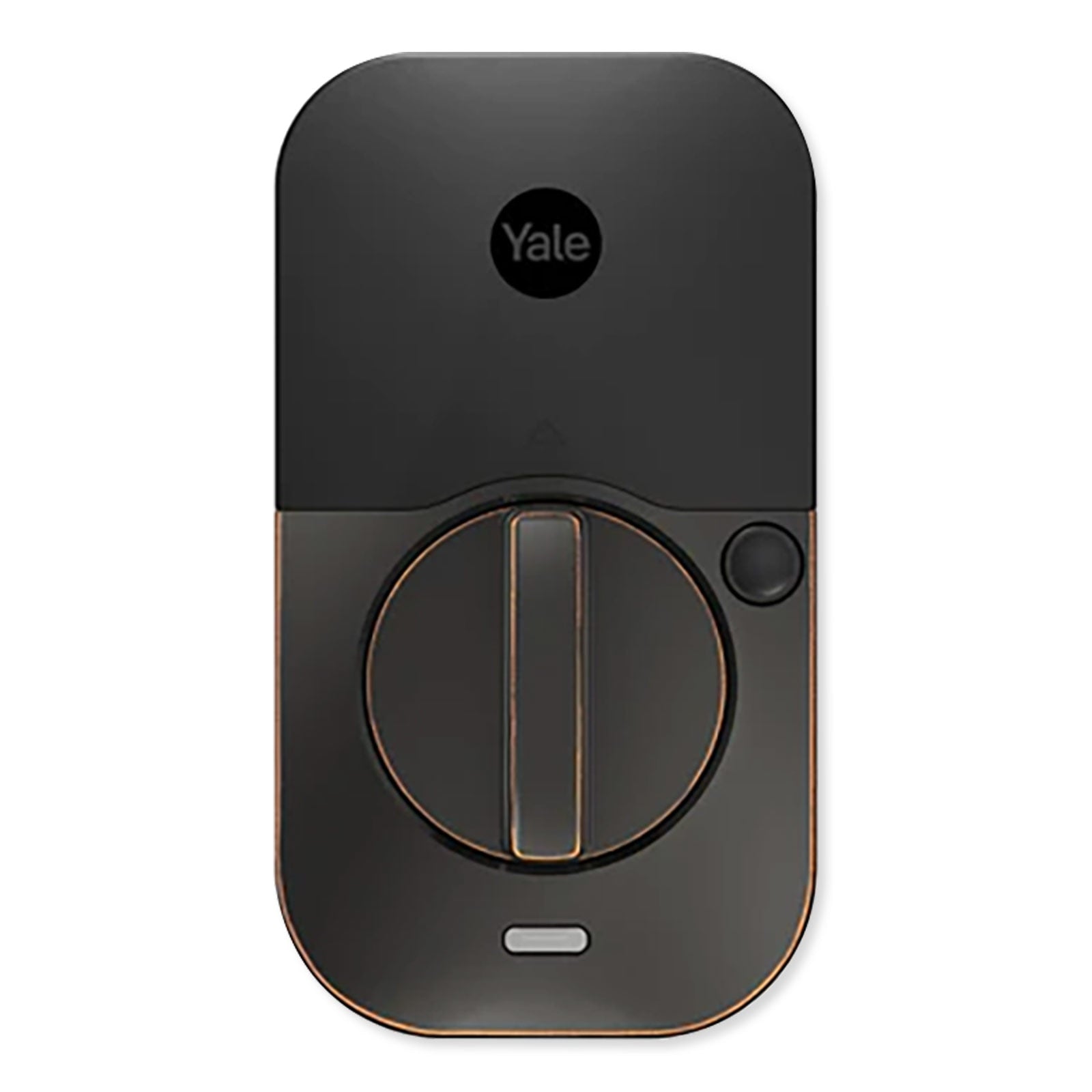
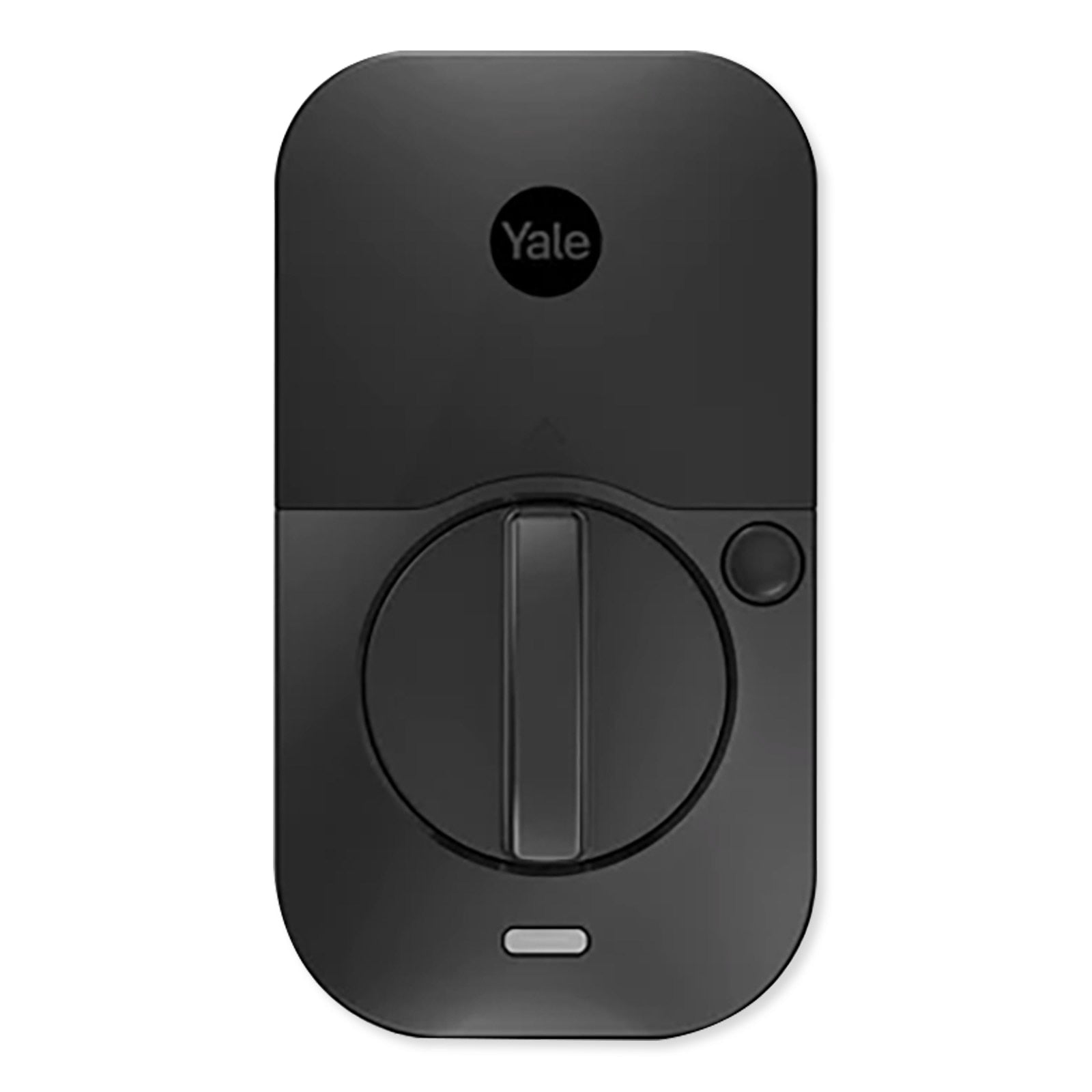
The deadbolt is powered by four (4) AA batteries, which are included and should last for about one year. The deadbolt can also support a 9V backup battery. A Yale Smart Network Module (Wi-Fi Smart Module included) easily snaps in above the batteries. When the battery is low, or wrong codes are entered, or the lock is tampered with, an alert is triggered.
Contents
- Assure Lock 2 Exterior Pushbutton Keypad and Deadbolt, Key-Free
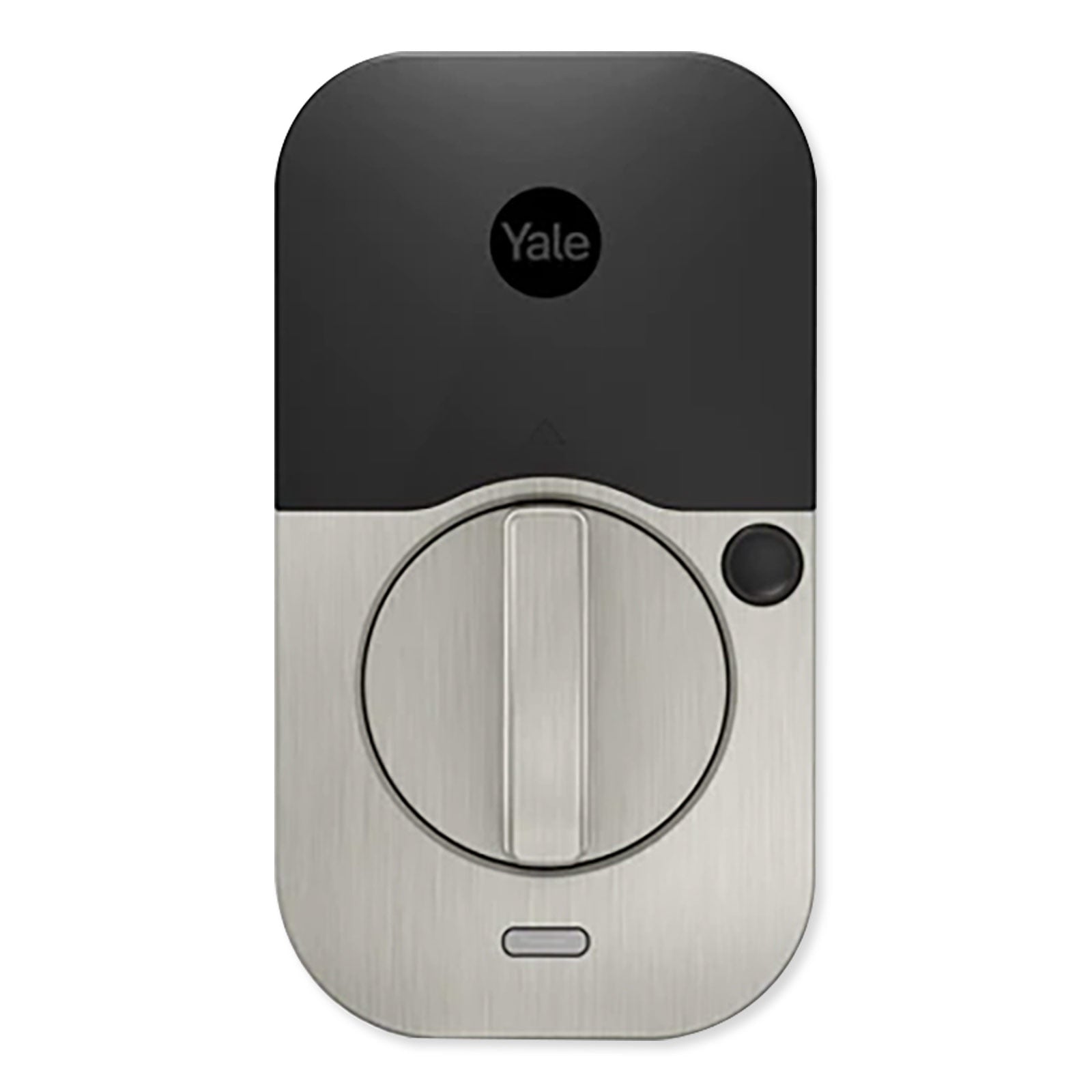
- Assure Lock 2 Interior Lock
- Wi-Fi Smart Module
- Battery Cover
- Mounting Plate
- DoorSense Sensor
- (4) AA Batteries
- Strike Plate
- Mounting Screws
- Reset Pin
- Installation Guide
Notes
- Requires connection to the Internet and Wi-Fi network.
- Remote access requires a smartphone or mobile device with the Yale Access app for iOS and Android.
Yale Real Living – Solutions For The Digital Home
As a residential product line under the Yale Security brand, the Yale Real Living series brings over a century of innovation to the digital home. Known for manufacturing top-quality deadbolts and leversets, Yale now offers lock hardware and other home security solutions fit for the modern, connected age.